

Access a job’s Overview tab

- Find the job you are looking for. Make sure it is under the right company or client.
- Click on the job title. The Overview tab opens first.
Set the job up, in order
The steps below build on each other. Working through them in this order means the AI has something to work from by the time you ask it for anything.1. Link files and notes
Start with the raw material you already have:- Attach files, for example the client’s job description document.
- Link notes from the intake call or internal discussions. Notes are never linked to a job automatically, so tag the intake note to the job yourself. See adding notes.
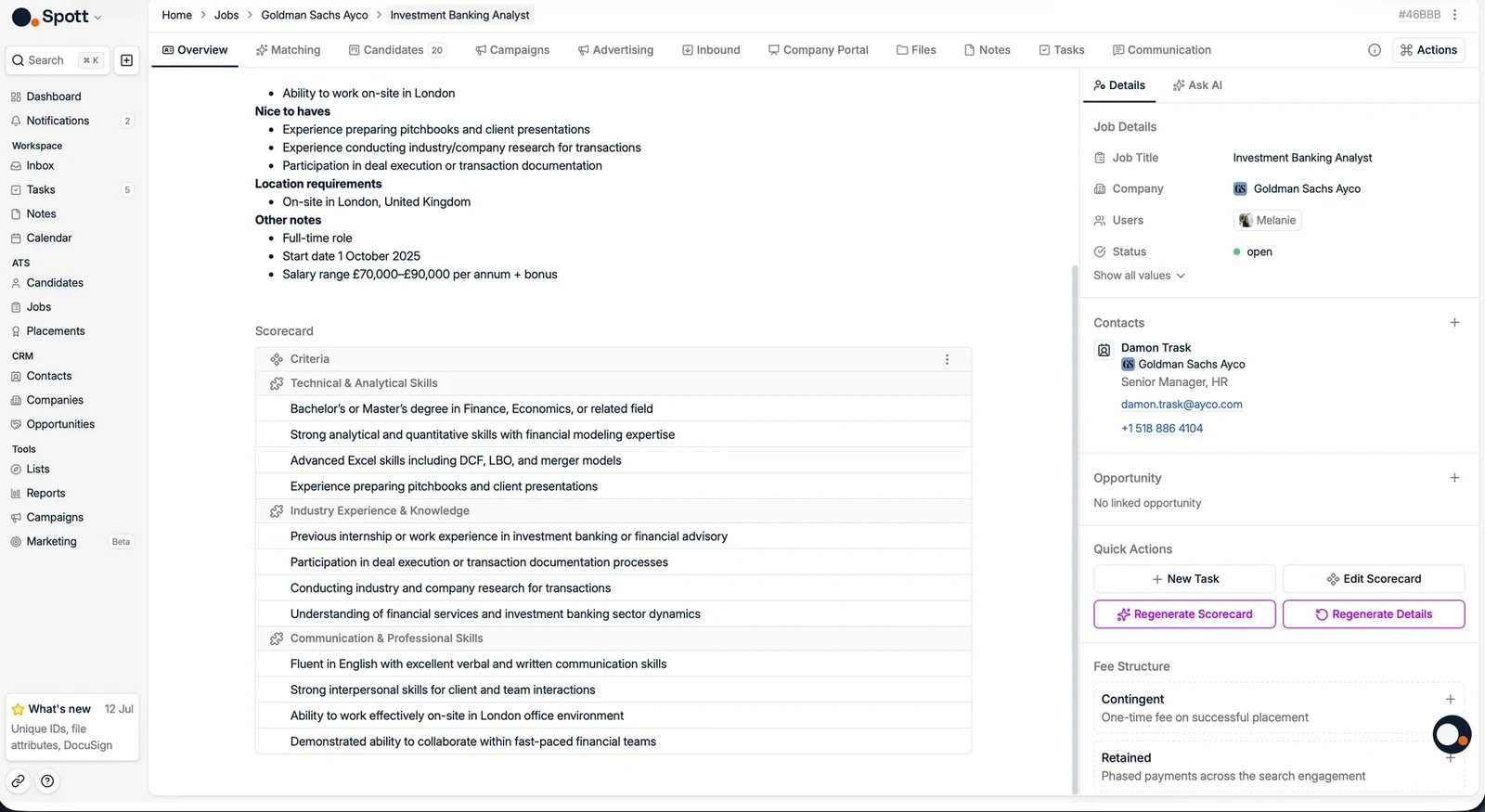
2. Generate the details from that input
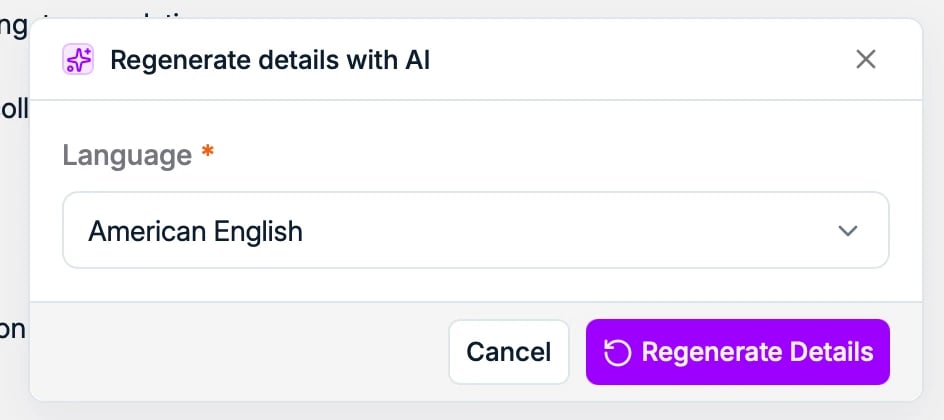
Click Regenerate Details and Spott reads what you attached in step 1 to fill in the job, in the language you choose. It can:- Summarize an existing job description into a concise format
- Fill in missing information based on the provided content
- Rewrite the description for clarity and better candidate engagement
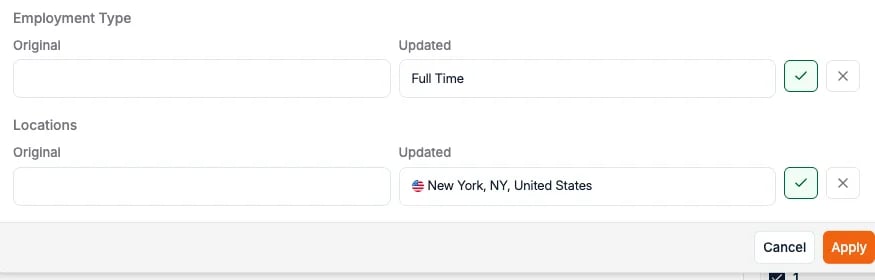
3. Fill in the details and the fee structure
Complete the role’s own fields: requirements, locations, compensation, and the fee arrangement you agreed with the client.For a Retained job, set up the fee structure here first: the milestones,
negotiated fee, and estimated salary. These must be in place before you can log a
placement against the job, so configuring them up
front avoids getting blocked mid-placement.