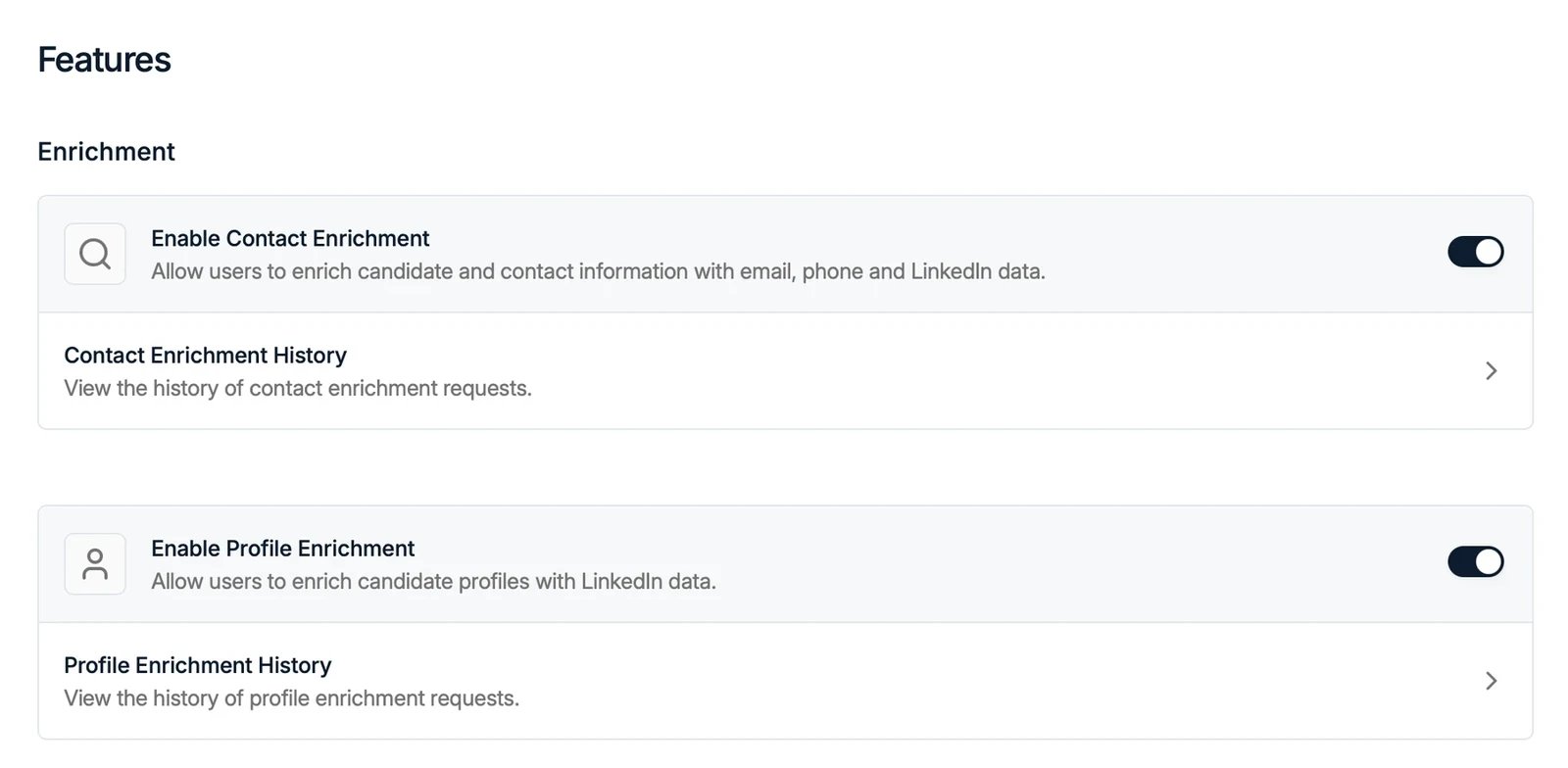
Enrichment
Enrichment is not tied to one record type: it fills in profiles, whether that profile is a candidate or a contact.- Enable Contact Enrichment: let users enrich a profile’s contact details, such as email and phone. See profile enrichment.
- Enable Profile Enrichment: let users enrich the profile itself with fresh professional data.
- Enable AI-Filled Columns: let AI fill in columns from candidate data. See AI-filled columns.
- Enable Auto-Updating Profiles: keep candidate profiles up to date automatically. See auto-updating profiles.

Communication
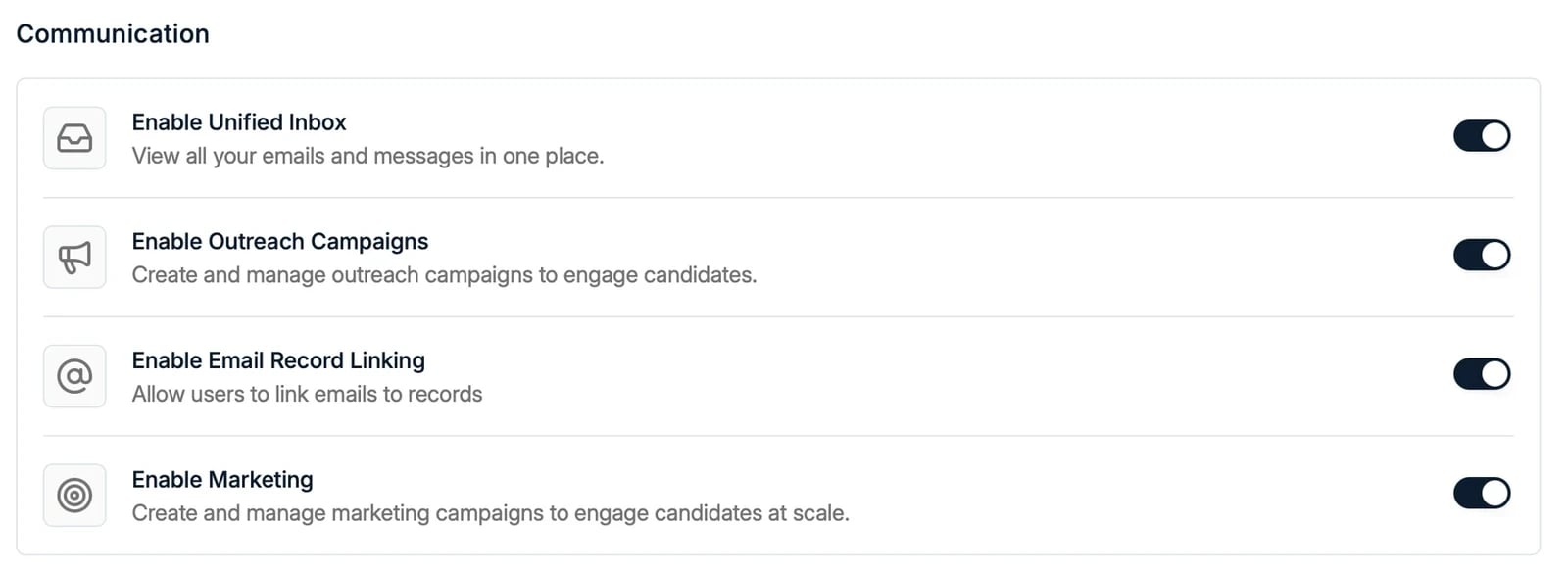
- Enable Unified Inbox: view all your emails and messages in one place.
- Enable Outreach Campaigns: create and manage campaigns.
- Enable Email Record Linking: allow users to link emails to records.
- Enable Marketing: create and manage marketing campaigns at scale.
Spott Note Taker
Note Taker Settings holds Enable Note Taker, the switch for the Note Taker across the whole workspace. It is on by default. Turn it off and the Note Taker stops for everyone, whatever each user has set under Settings → Calls. Spott asks you to confirm with “Turn off the Spott Note Taker?”, because it removes the bot from every upcoming meeting. Transcripts and recordings you already have are kept. See turning the Note Taker off for the workspace.Workspace
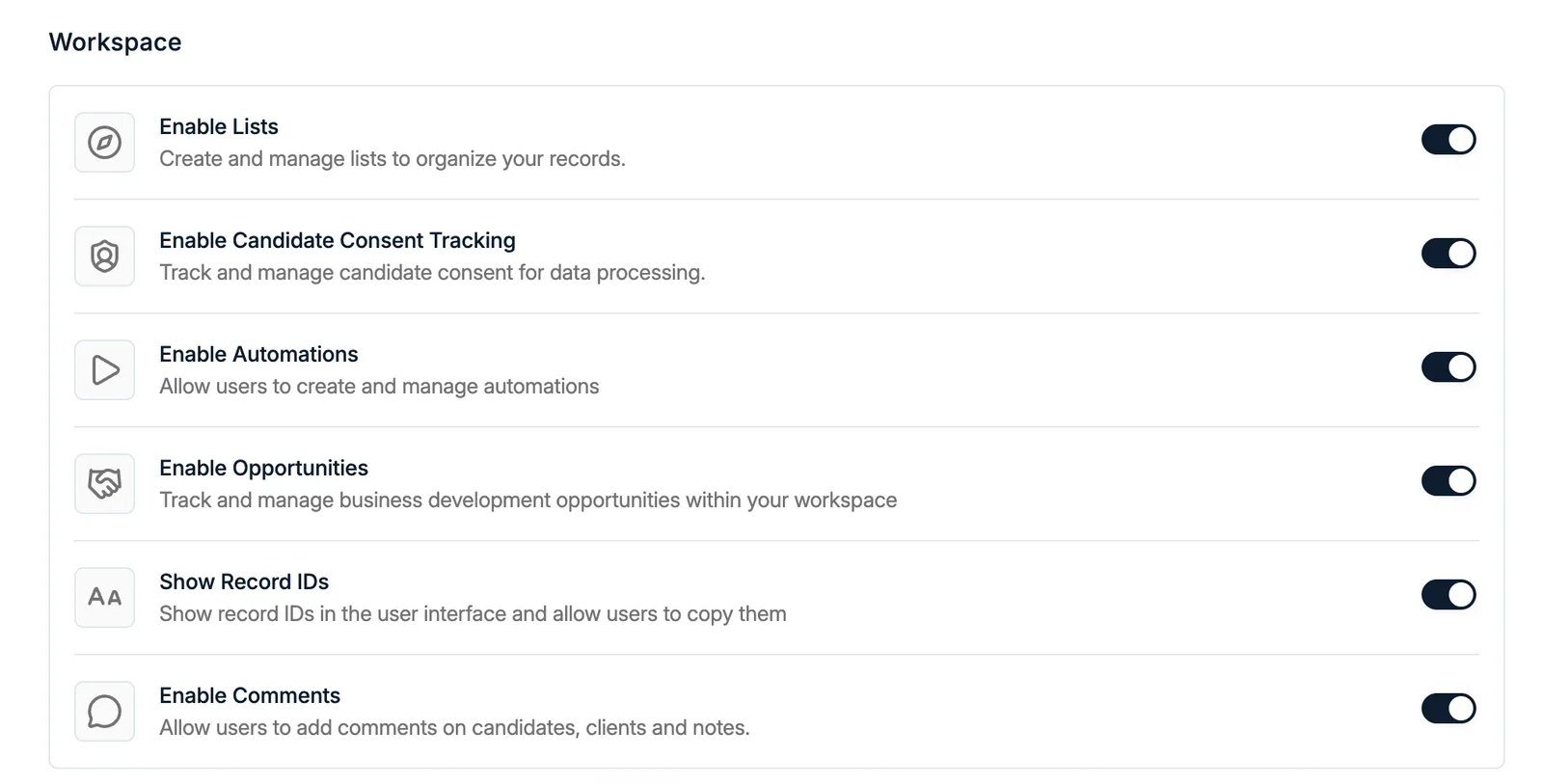
- Enable Lists: create and manage lists.
- Enable Candidate Consent Tracking: track and manage consent on your records, for example under GDPR. See consent management.
- Enable Automations: create and manage automations.
- Enable Opportunities: track business development opportunities.
- Show Record IDs: show record IDs in the interface and let users copy them.
- Open Spott job board before allowing multiposter: a job can only be posted to external job boards once it has a published advert on your own Spott job board. Off by default, and not yet shown in every workspace. See multiposting.
- Enable Comments: let users add comments on candidates, companies, applications, tasks, placements, and notes. Until it is on there is no comment section anywhere in the product. Not yet shown in every workspace.