Settings → Labels is where you create the labels used to categorize records across Spott. Labels are shared with your whole workspace. Spott groups labels by where they are used:
  • Note Labels: categorize notes, for example Follow Up or Candidate Interview.
  • Task Labels: categorize tasks so they surface in the right context.
  • Rejection Labels: standardize the reasons applications are rejected.
  • Email Labels: organize emails in the inbox.
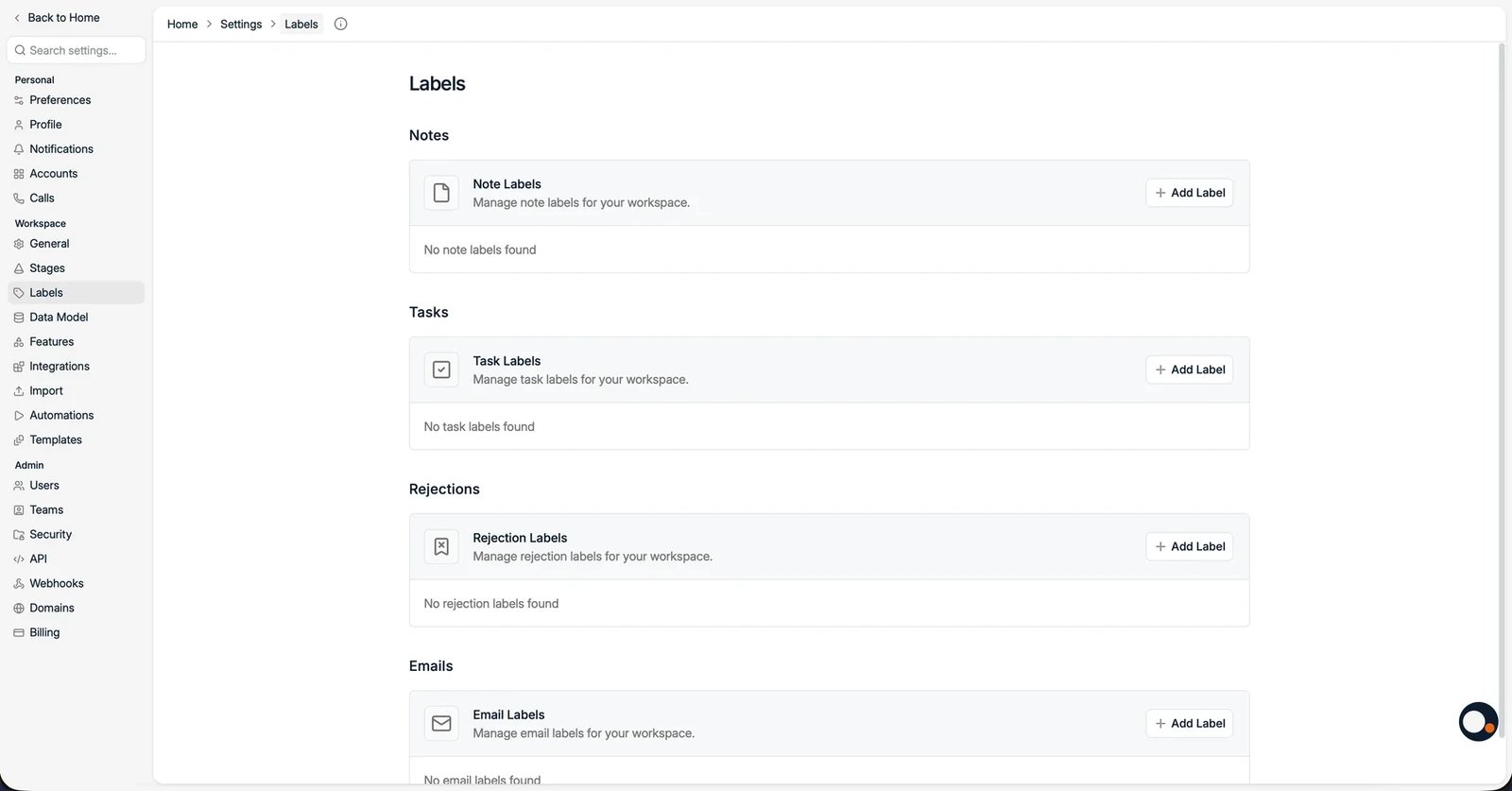
Click Add Label in a section to create one, give it a name and color, and it becomes available on the matching records.
Note labels also power activity reporting: in Reports you can count notes filtered by a label, for example the number of First Call or Reference Gained notes logged per consultant. If you are used to comment types or activity types in another ATS, note labels are the Spott equivalent.
The Labels page with note, task, rejection, and email label groups