

Make sure Outlook or Google are synced with Spott
In Spott, go to Settings → Accounts, find the Microsoft Outlook or Google integration, and make sure one of them is connected. Spott generates your available time slots from this calendar.Enable the calendar scheduler
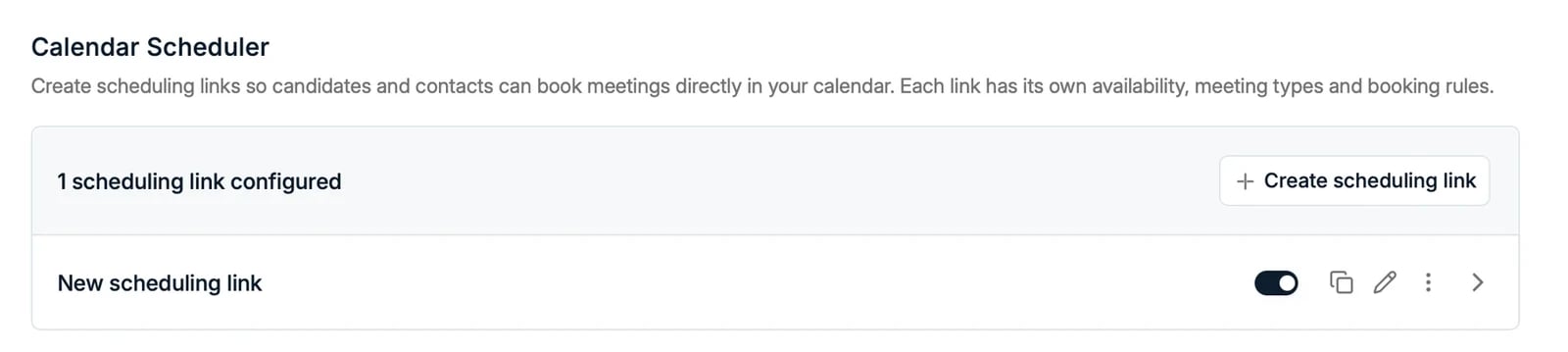
- Toggle Enable Spott Calendar Scheduler on.
- Copy a booking link and share it with anyone who should be able to schedule time with you.
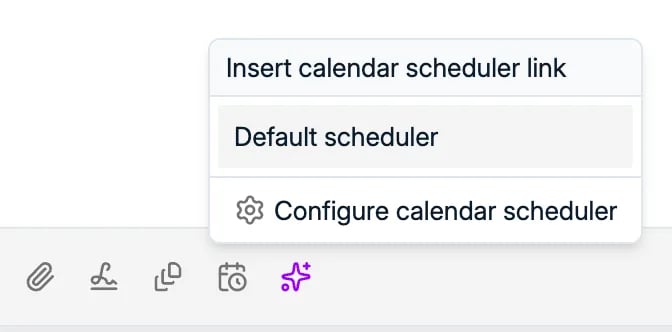
Create scheduling links for different meeting types
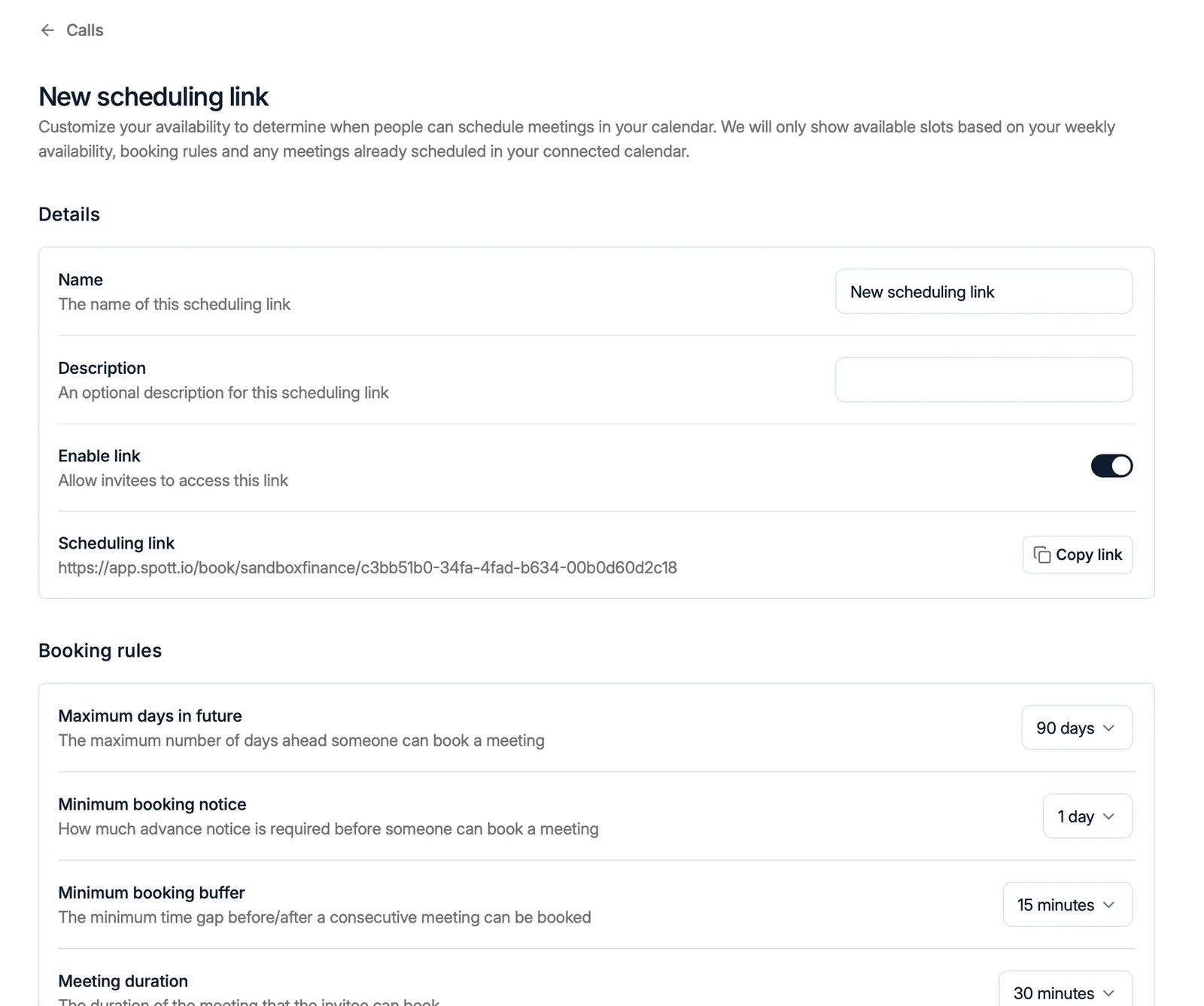
You can create multiple scheduling links, each with its own availability, meeting types, and booking rules. For example, a 15-minute intro call and a 1-hour interview, each bookable on different days. Click Create scheduling link and configure per link:- Meeting duration and slot interval
- Maximum days in future: how far ahead someone can book
- Minimum booking notice: how much advance notice is required
- Minimum booking buffer: the gap required before and after other meetings
- Weekly availability: one or multiple time slots per day; leave a day empty to not appear available
- Ask for a phone number: an optional field on the booking form, so you have a way to reach someone who does not show up
- Custom URL: a readable address for the link. See give a link its own URL
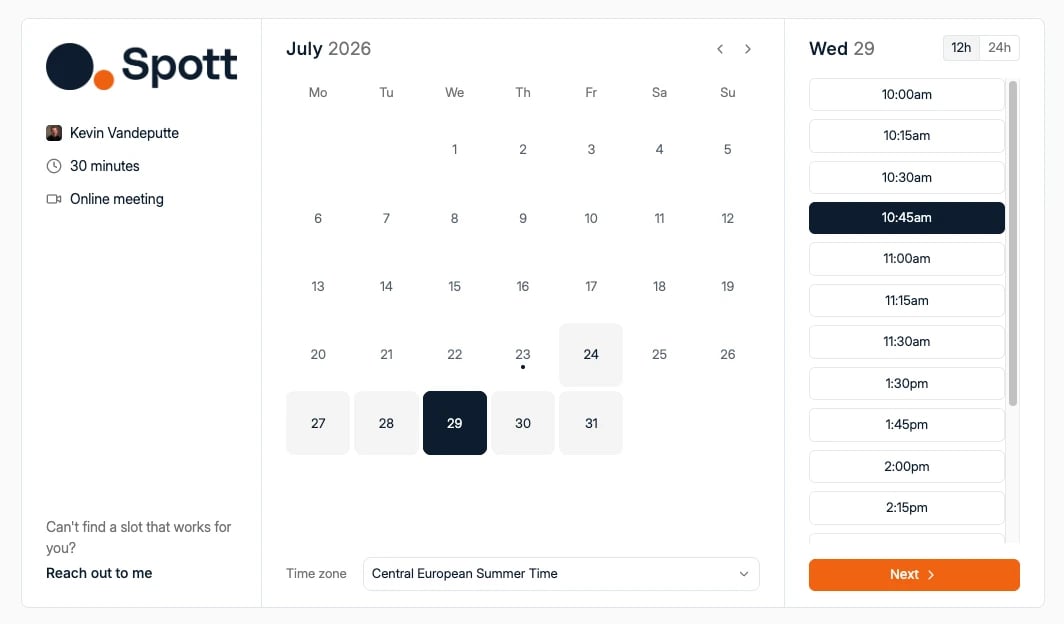
The meeting link matches your primary connected account: Outlook generates a
Teams link, Google generates a Meet link.
Share your booking links
Anyone using one of your links only sees time slots that are free according to your connected calendar and that link’s booking rules. Bookings land directly in your calendar and are linked to the right records in Spott.Give a link its own URL
A booking link ends in a long ID by default, which looks odd in an email signature or a LinkedIn message. Open the link under Settings → Calls → Calendar Scheduler and fill in Custom URL to give it a short address of your own, such as/book/sarah-intro-call.
Leave it empty to keep the default link.
- Use lowercase letters, numbers, and single hyphens, between 3 and 64 characters.
- The address is unique across all of Spott, not just your workspace, so a common name may already be taken. Spott says so with “This URL is already taken”; add your company or your surname.
- Each scheduling link takes its own custom URL.
The booking page uses the visitor’s time zone
Whoever opens your link sees the times in their own time zone, taken from their browser, and your availability is converted into it. A morning in Brussels reads as an early morning in New York, and both of you end up in the same slot. There is nothing to configure here, and no way to force one time zone for every visitor. If a booking looks like it landed at the wrong hour, check which zone the browser that made it was in rather than the link’s settings.Availability comes from your calendar. Events marked Busy or Out of office
block a slot; Free and Tentative do not. If a link shows little
availability, check for an all-day event marked Busy and set it to Free instead.