

From a record
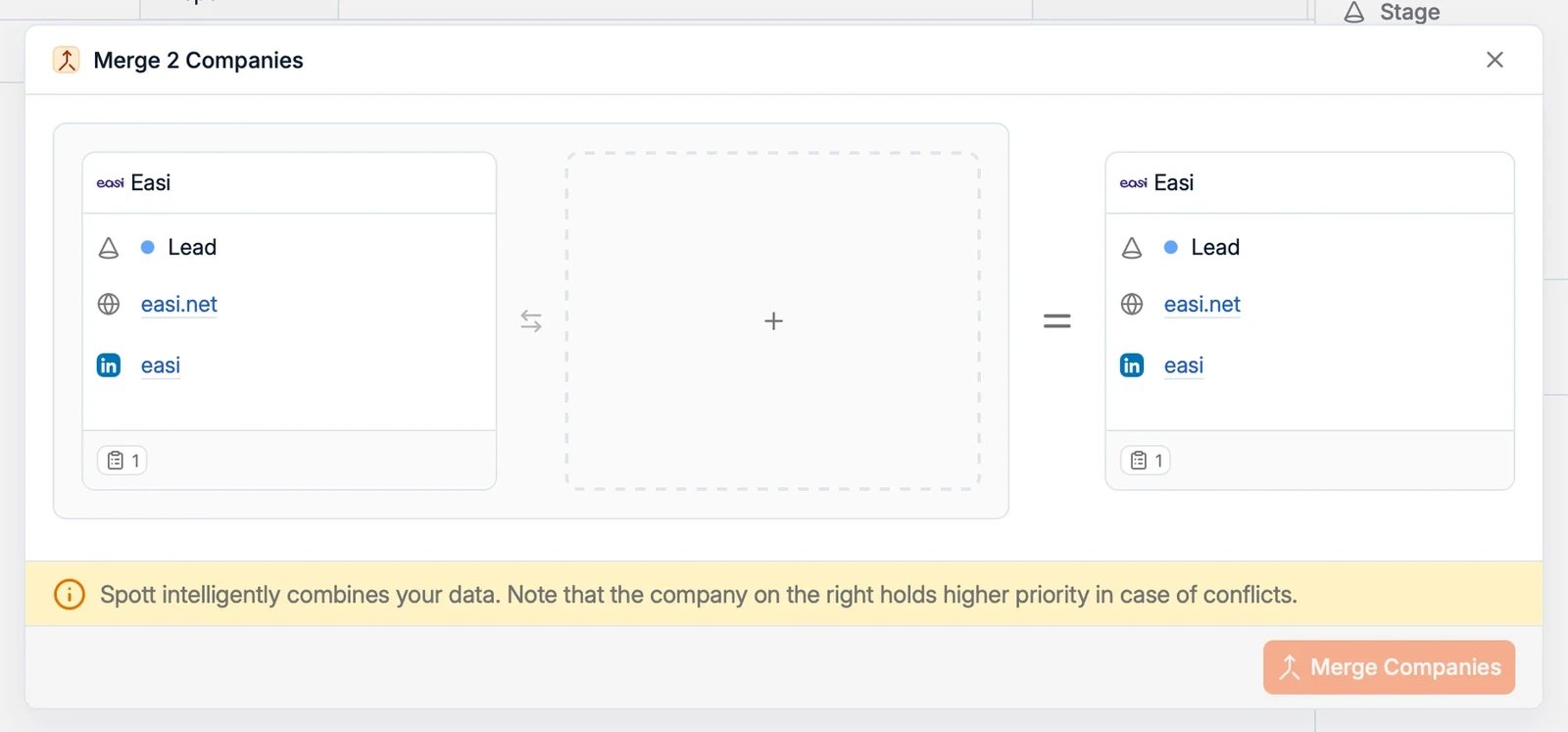
- Navigate to one of the records you want to merge.
- Open the Actions menu in the top-right corner of the page.
- Select the merge action:
- Merge 2 people on a candidate or contact profile
- Merge 2 Companies on a company record
- Merge 2 Jobs on a job record
- Pick the duplicate record and follow the prompts to complete the merge.
From a list view
You can also start a merge straight from a list view, without opening a record first.- Select the two duplicates with the checkboxes in the list.
- An action bar appears at the bottom of the screen showing how many records are selected.
- Click the actions button in that bar and choose the merge action:
- Candidate Actions > Merge 2 people
- Contact Actions > Merge 2 people
- Company Actions > Merge 2 Companies
- Job Actions > Merge 2 Jobs
- Review the side-by-side comparison and confirm.

Because every person exists only once in Spott, merging two people combines their
candidate and contact roles, notes, and history into one record. If one of the two
is a candidate, the merged record stays a candidate.