Add companies to the group
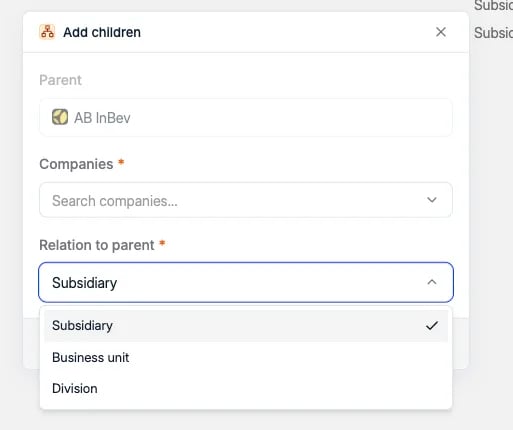
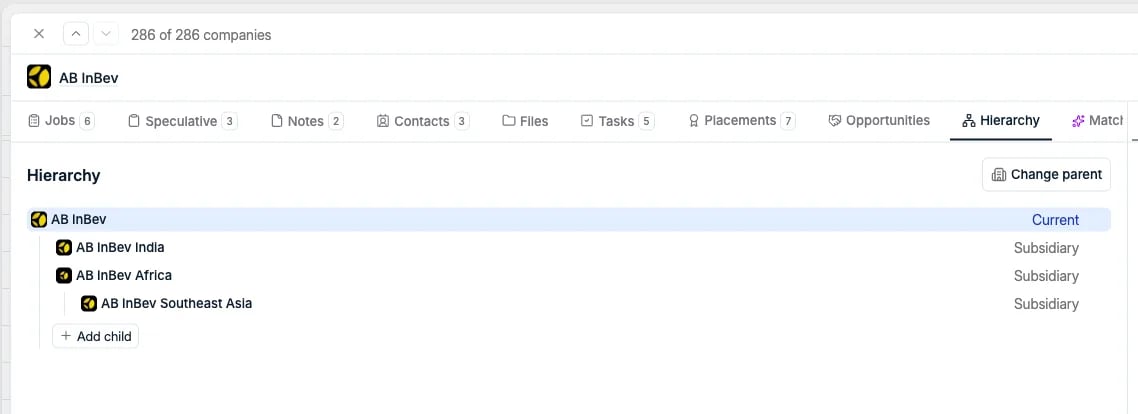
Click Add child to attach the companies that belong to this one. In the Add children dialog, the parent is already filled in. Search for one or more companies, pick the Relation to parent, and click Add children.
- Add child: hang another company under that one, which is how you build a tree more than two levels deep.
- Change relation to parent: correct the relationship type afterwards.
- Remove from hierarchy: detach that company from the group.

Types of relationships
The relation is set on the link between a company and its parent, so one group can mix all three. It is required and defaults to Subsidiary.