

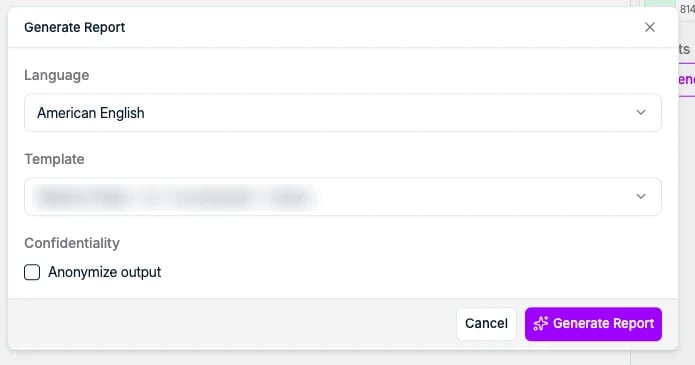
All three ask you the same three things before they run:
- Language, for example American English or French, so the same profile can go to one client in English and another in French.
- Template, the Word template to build the document with. These are configured for your workspace. See CV and report templates for how to get your own in.
- Anonymize output, to leave the candidate’s identity out of the document, for when you share a profile before terms are agreed.
Formatted CV
A formatted CV is the candidate’s own CV rebuilt in your layout, so every CV you send a client looks the same regardless of what the candidate uploaded. Start it in either place on the candidate profile. Generate CV sits with the other buttons at the top of the Experience subtab:
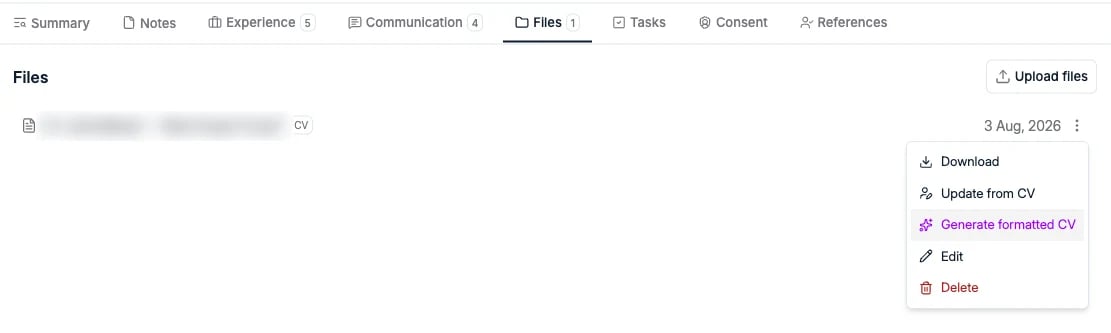
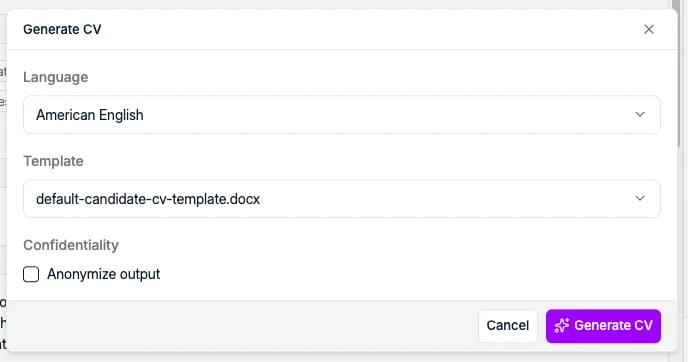
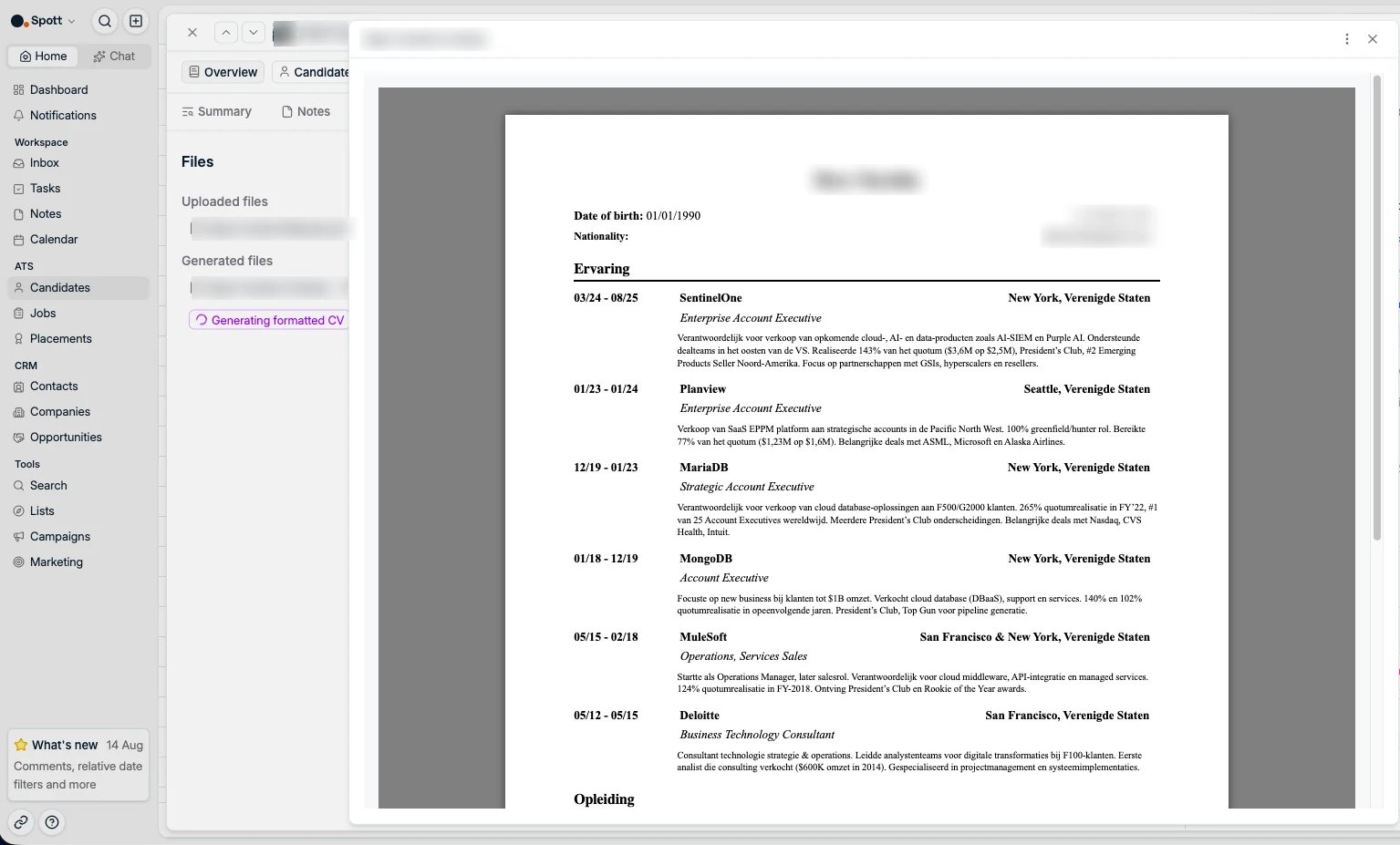
.docx appears under Generated files. Click it to preview the document
without downloading it.
Candidate report
A candidate report introduces one candidate to a client. Where the formatted CV is the candidate’s own history in your layout, the report is the write-up around it: personal information, their current position (title, company, team), and contract details such as salary and notice period. You generate it while presenting a candidate. In the attachments panel on the right, under Reports, click Generate candidate report: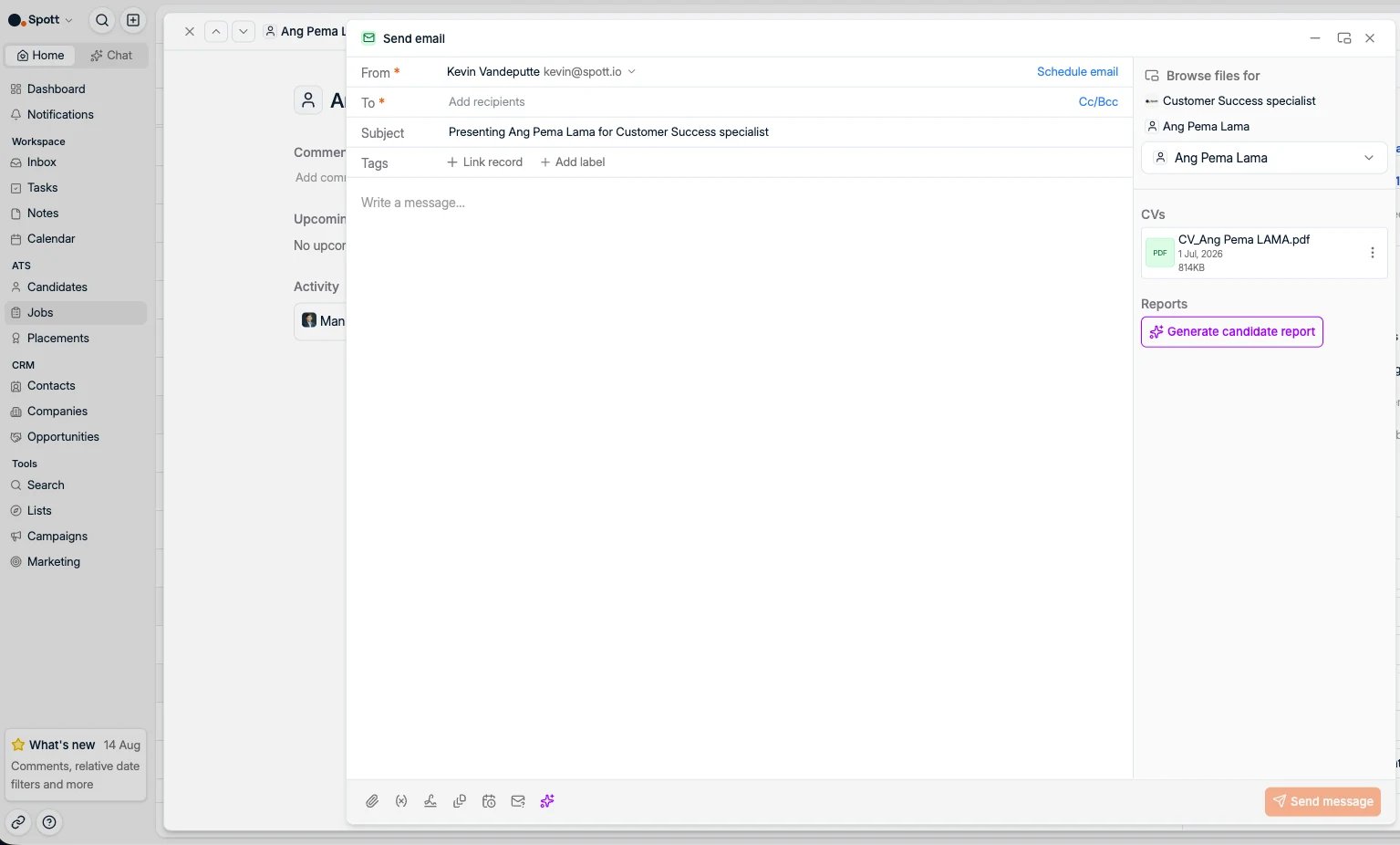
Shortlist
When you want to send a client several candidates in one document instead of one presentation per person, generate a shortlist. Select the candidates in the Candidates table, open Candidate Actions in the bar at the bottom, and choose Generate Shortlist.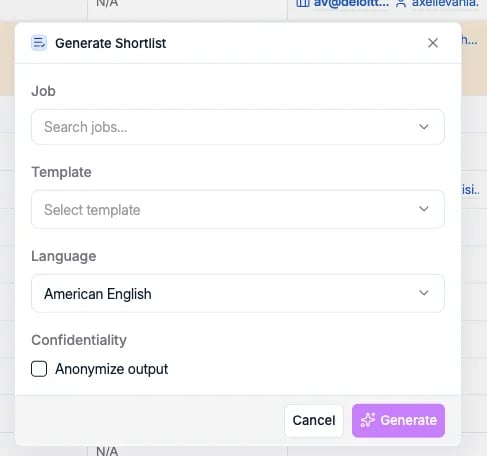
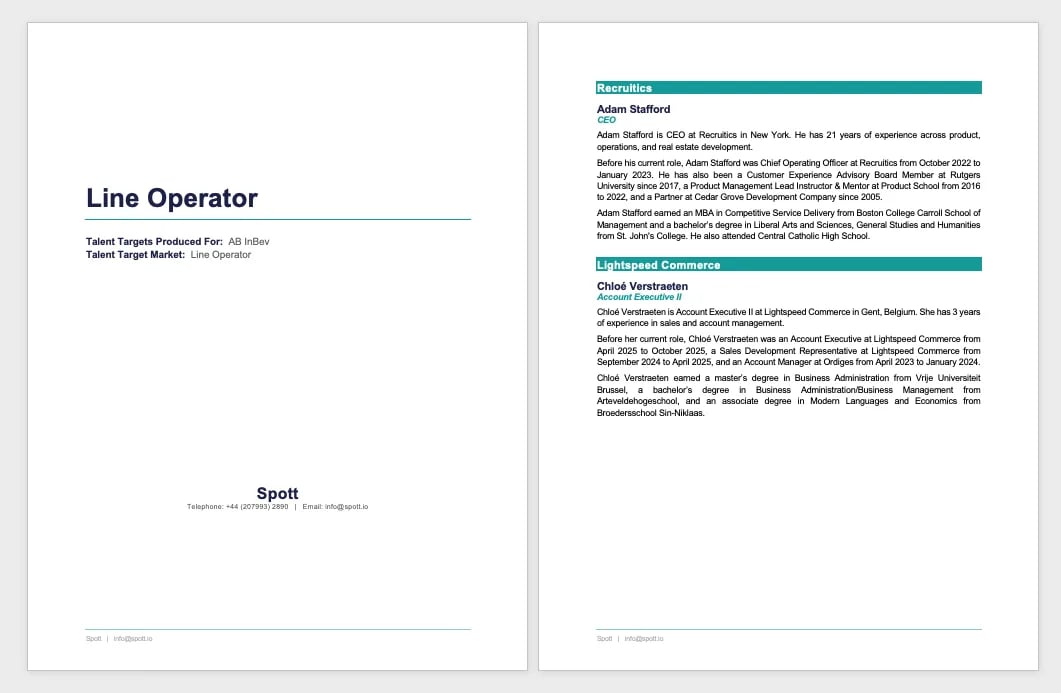
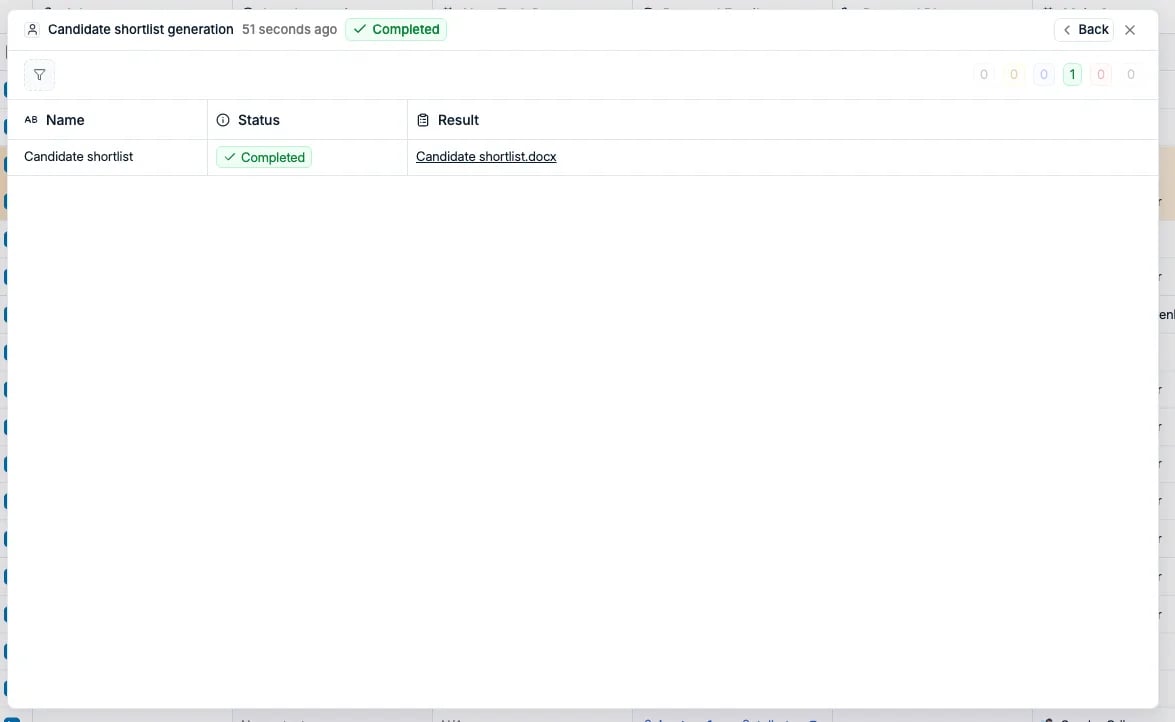
.docx appears under Result to download.
When the document does not look right
The layout, the section order, and the wording all come from your workspace template, not from the individual document, so a formatting problem you see on one candidate applies to all of them. Two things to check before reporting it:- Is the data on the record correct? Sections are written from the profile, so a wrong job title in the document is usually a wrong job title on the record.
- Is the section in your template? Every section in the template is always rendered and nothing is added beyond it, so a missing block means it is missing from the template.