

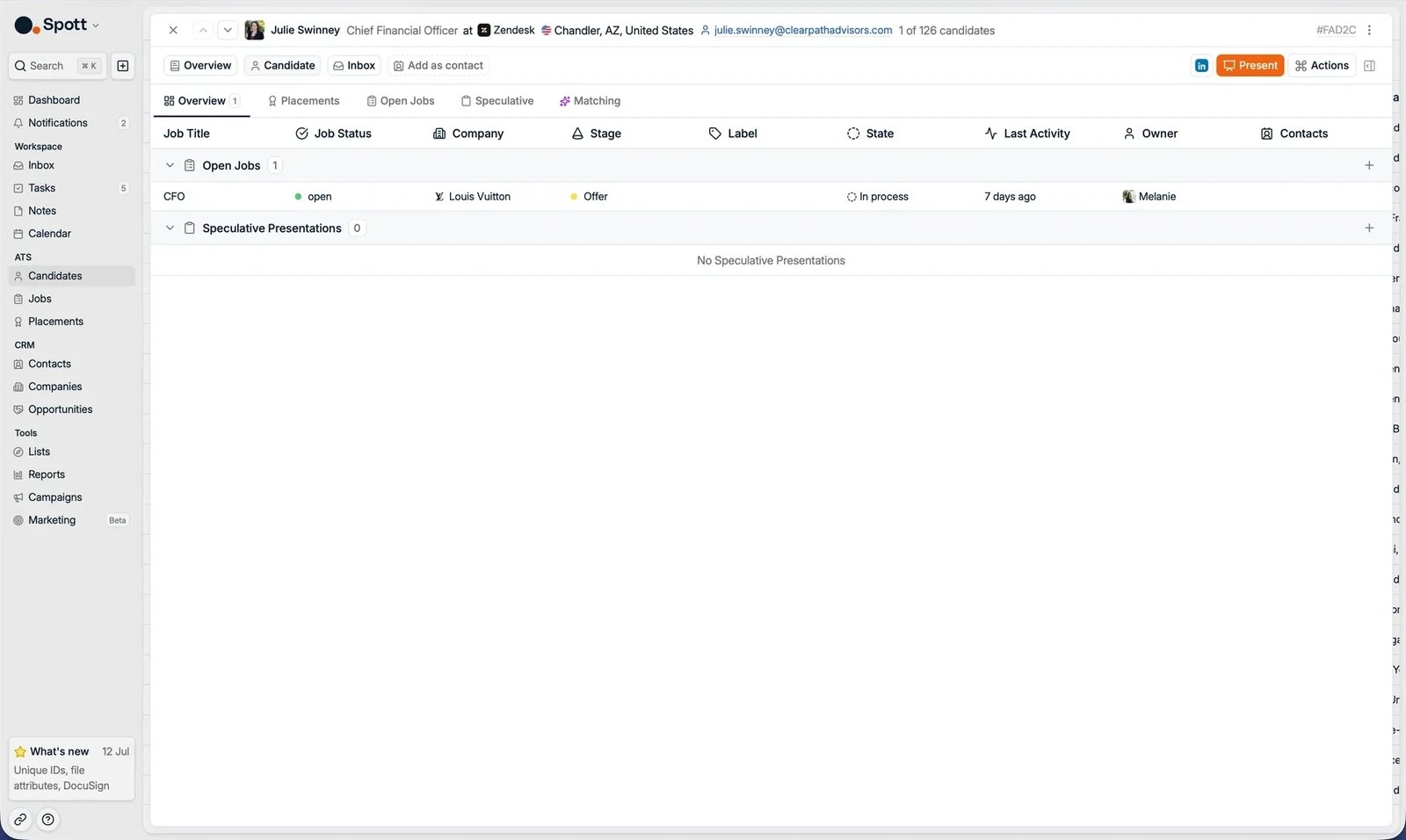
Overview
All processes the candidate is part of, in one list, grouped into Jobs and Speculative Presentations. For each one you see the job title, the job status, company, stage, label, state, last activity, owner, and the client contacts on it. The job status column is the job’s own status, and any of them can appear: a candidate in a pipeline for a job that is Interviewing, Won, or Lost is listed here alongside one on a job at Open. This is everything the candidate is part of, not only what is still open.Placements
The candidate’s placements: the jobs they were successfully placed in. Each placement shows who placed the candidate, the placement type, start date, salary, fee, and any fee splits between teammates.
Jobs
Every job application the candidate is part of, whatever status the job itself is in. For each application you see:- Company name
- Job title
- Time in stage
- Application stage
- Application status
Speculative
Introduce a strong candidate to a company even when there is no open role.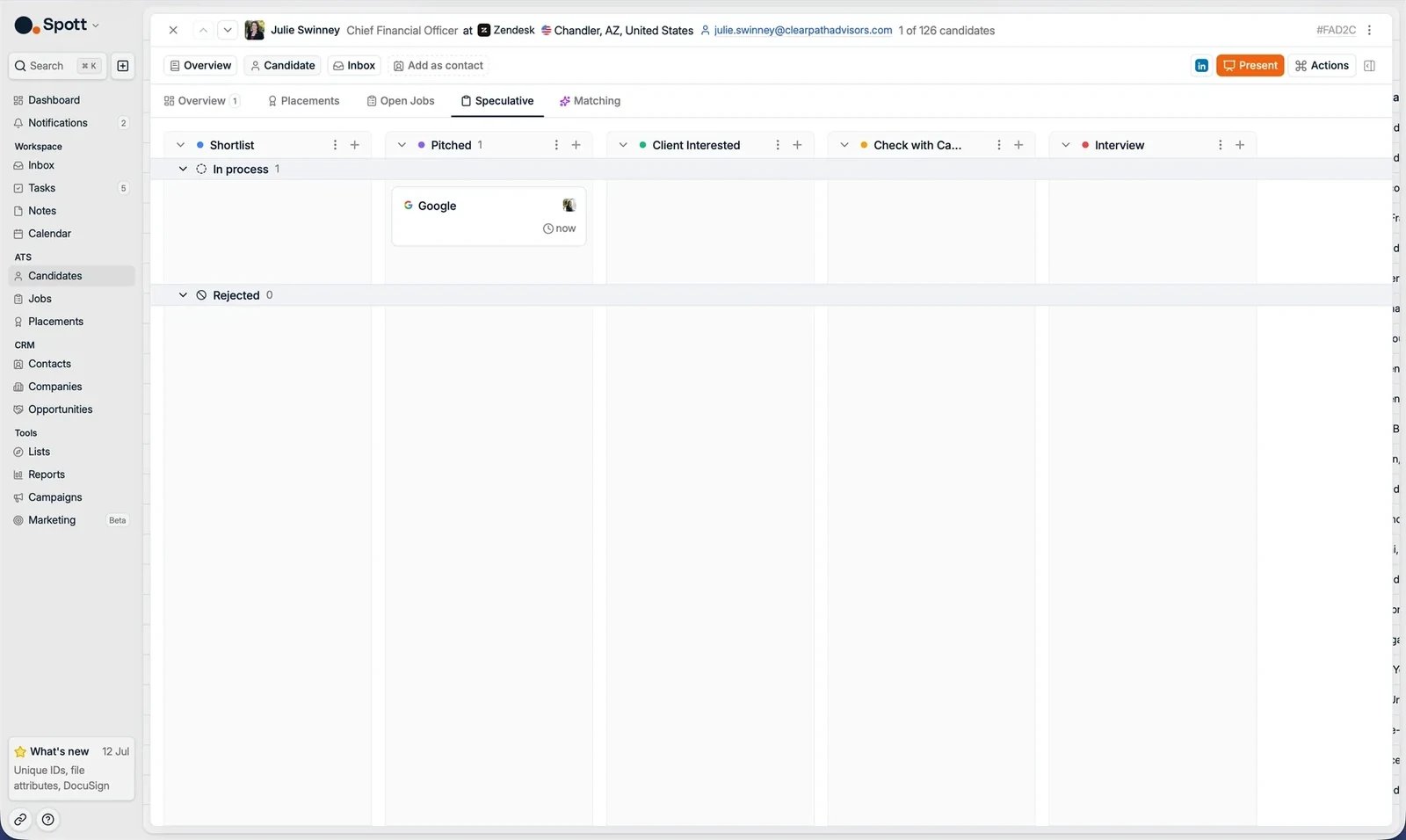
Matching
AI suggestions based on the whole profile: details, experience, notes, and applications.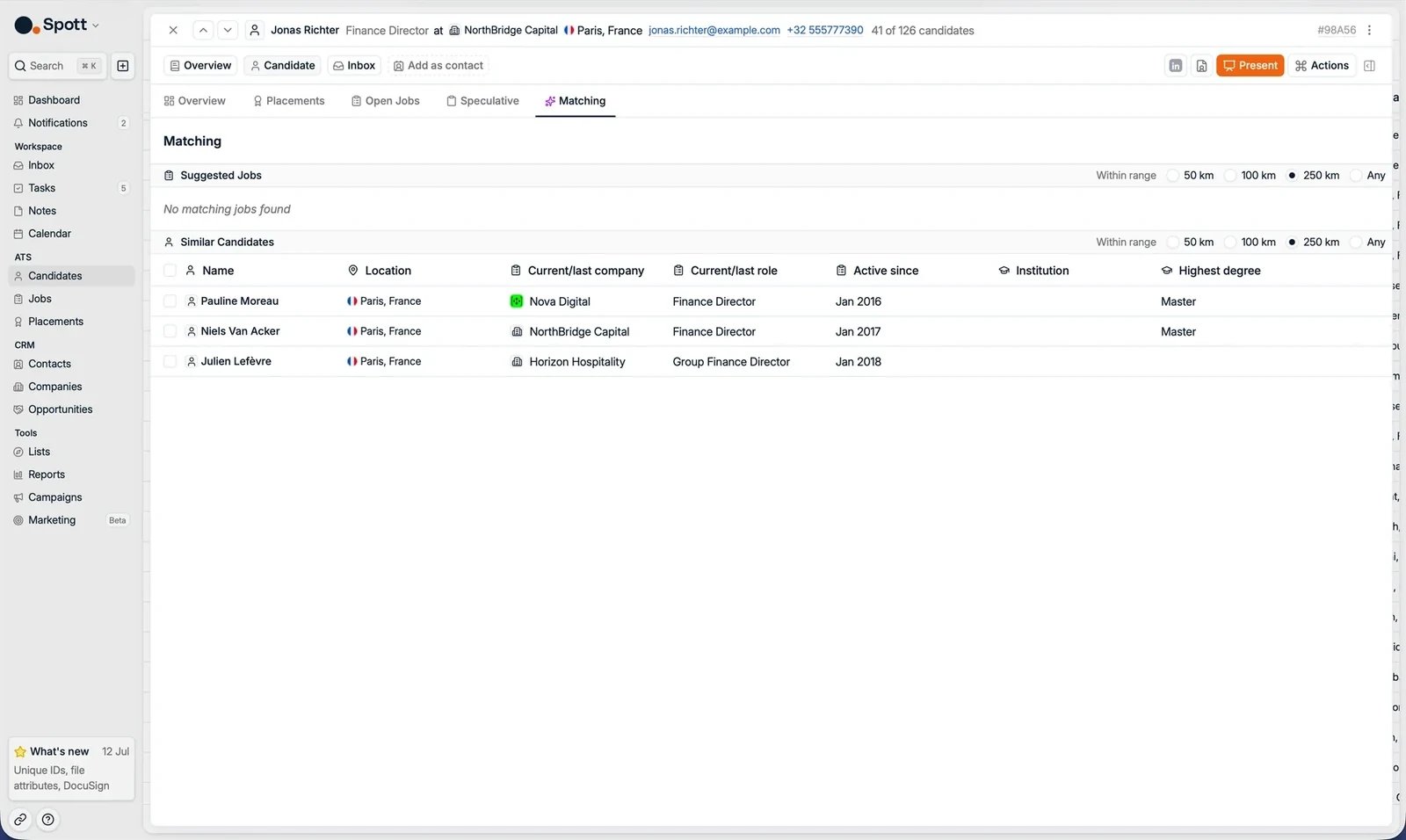
- Jobs in your database that could be a good match for this candidate.
- Candidates in Spott with a similar profile.
Next steps
Record a placement
Close the loop when a candidate is hired.
Interview scorecards
Capture structured interview feedback.