

G then M. See all
keyboard shortcuts.
Open the Companies view
From the left-hand navigation bar, select Companies to open your client list.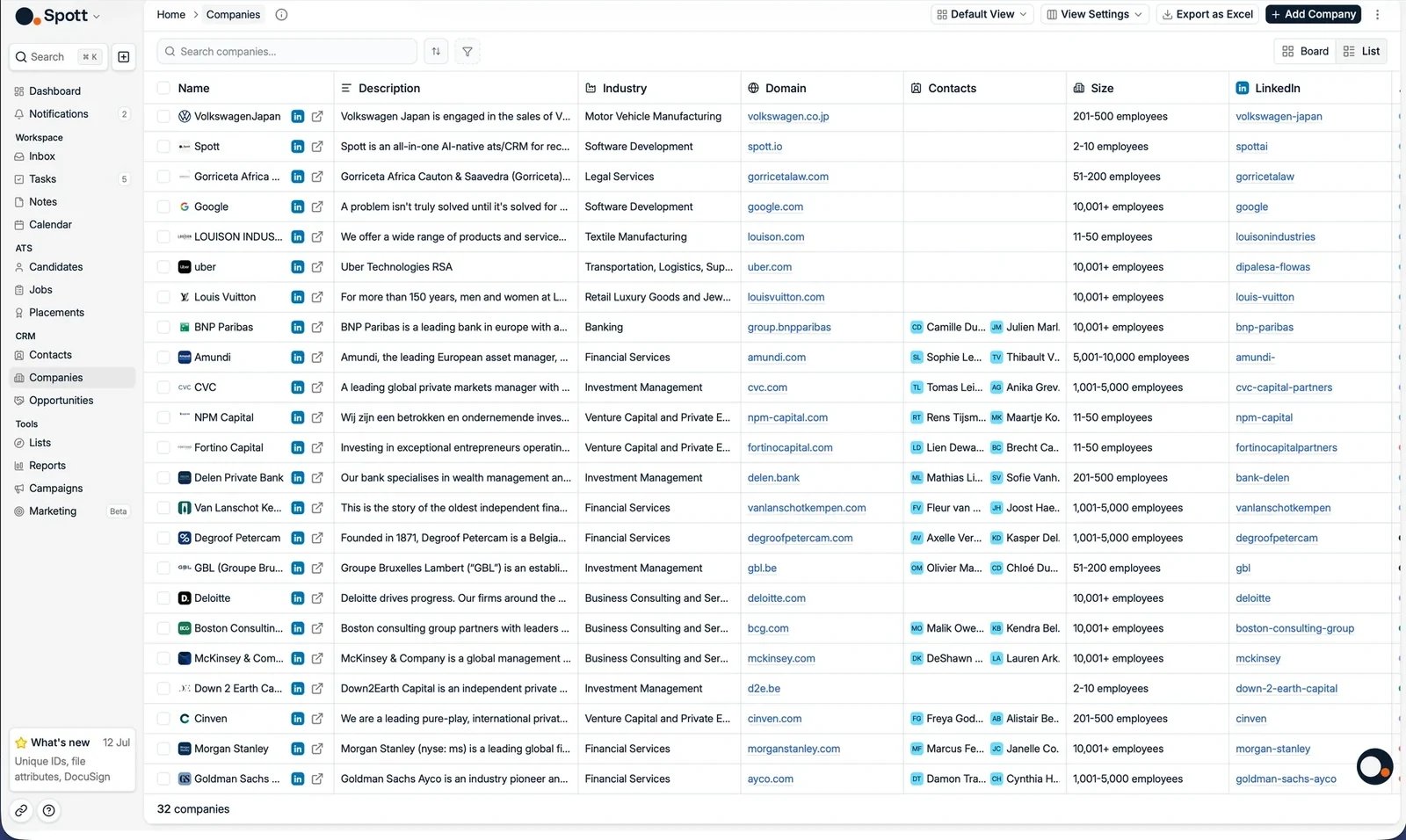
Add a new company
From the Companies view
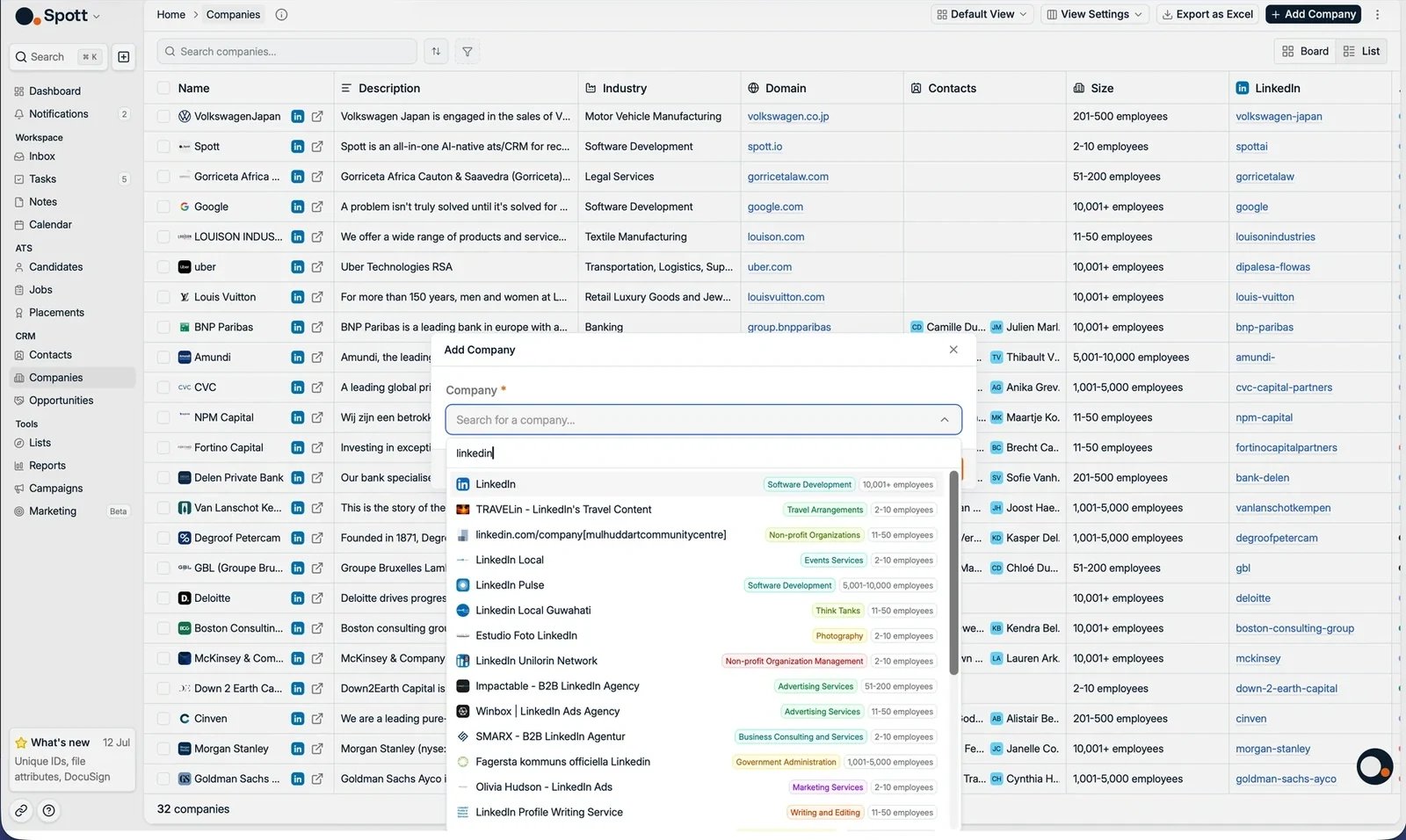
- Click the Add Company button in the top-right corner of the page.
- A pop-up form appears where you can enter the company name.
From a company preview
Company names are clickable throughout Spott, for example on a work experience entry in a candidate’s or contact’s profile. Clicking one opens a preview of that company with the public information Spott knows about it: description, industry, headcount over time, funding rounds, and the current and past employees you already have in your database. That preview only has something to show for a company Spott can identify in its own database. A name that arrived from a CSV, a migration, or manual entry often is not linked to it, so clicking through gives you a near-empty preview rather than the profile above. See why a company has no logo, which is the same missing link seen from the other side. If the company is not a client record yet, click Add as company in the top right of that preview. The record is created with the information from the preview, so you do not have to fill it in again.
From LinkedIn with the Chrome extension
You can also create a company without leaving LinkedIn. Open the company’s LinkedIn page and open the Spott extension side panel. If the company is not in Spott yet, the panel says so and offers Import as Company, which pulls the details straight from the company page. If it already exists, the panel shows the record you have, so you can check it instead of creating a duplicate. Importing one of the company’s contacts creates the company as well, so either route gets the client into Spott.From a CSV or Excel import
Companies are created automatically as part of a file import: every company name on an imported candidate or contact row is matched to an existing company or created as a new one. Choosing Any as the import type also lets Spott recognize rows that are companies in their own right.Why a company has no logo
Logos and the enriched company details behind them come from Spott’s company database, and a company record is only linked to it when Spott can identify the organization. Importing from LinkedIn always makes that link. A company that arrives another way, from a data migration, a CSV, manual entry, or the API, often does not, and adding a LinkedIn URL or a website to the record afterwards does not create the link on its own. The quick fix is to upload a logo by hand, the same way you can on a person’s profile. That settles the cosmetic half of the problem, on client-facing documents and anywhere the company appears in a list. It does not create the database link, though, so the enriched details stay missing. To repair that properly, import the company from LinkedIn as above, which creates a linked record, then merge the two companies so you keep the history on the original.Next steps
The company record
Find your way around the tabs, columns, and Details panel.
Company hierarchy
Link parent companies, subsidiaries, business units, and divisions.