

⌘K on a Mac or Ctrl+K on Windows, or click Search in the top left.
What it matches
- Names of people. A person is one result, however many places they appear in your workspace: someone who is a contact at two companies, or a contact who is also a candidate, no longer comes back as a row per role.
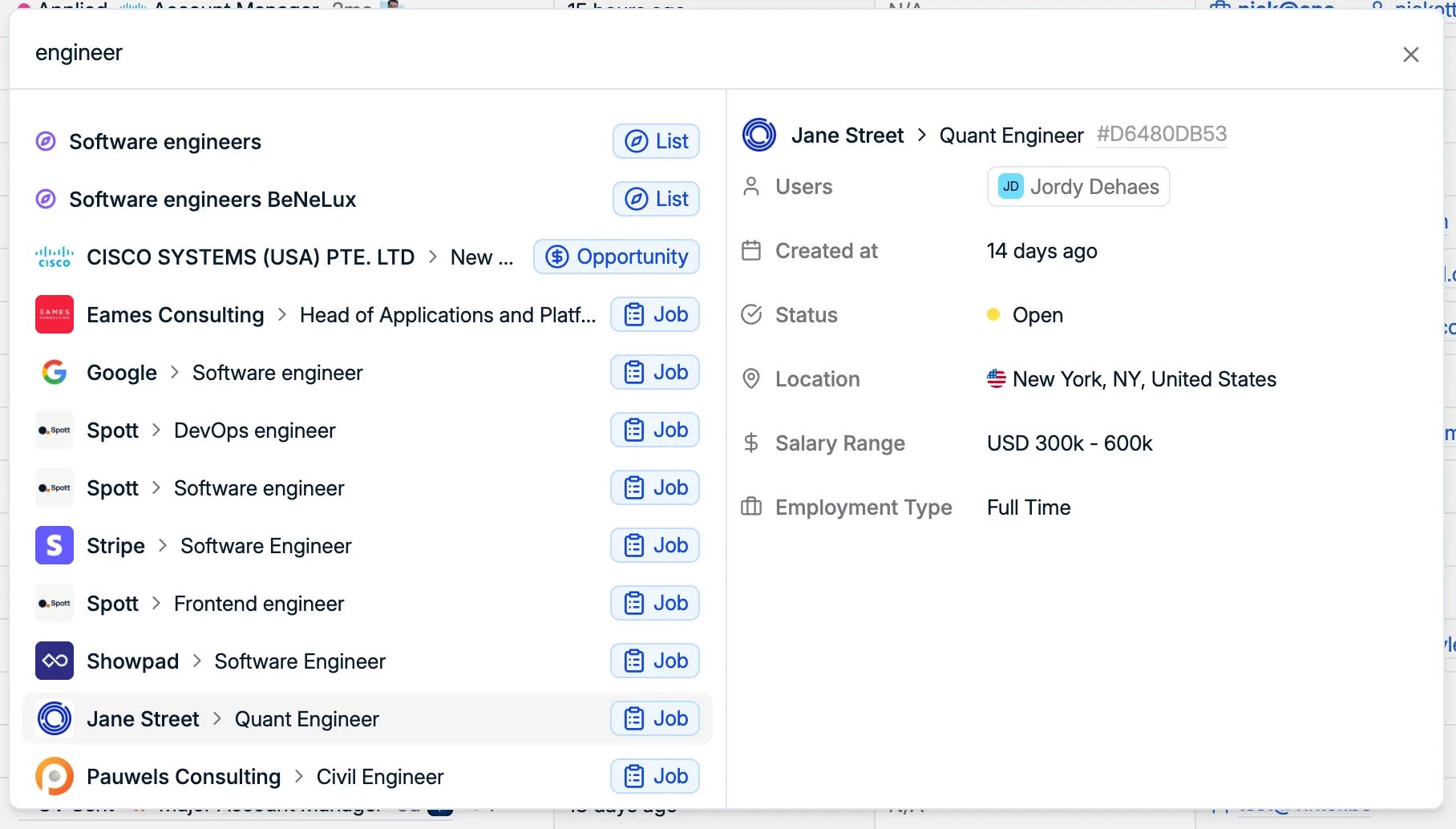
- Jobs, lists, opportunities and companies, on their own names. Searching
engineerbrings back the jobs called Software engineer next to the lists you built of software engineers, and a company name returns the company itself. - Teams, on their names. Picking one opens the team under Settings → Admin → Teams, where you can see who is on it. Changing a team still needs the right to manage teams. See managing teams.
- Email addresses, including personal ones. This is the reliable way to answer “who is this person who just emailed me”, which a table search on names cannot do.
- Phone numbers, so an unrecognised number on your screen becomes a name.
- Record identifiers, the short code shown on a record such as
#42B8C269C. Turn these on with Show Record IDs under Settings → Features → Workspace, which both displays the ID on a record and lets people copy it.
Combine what you remember
You rarely remember a name exactly, so search takes the pieces you do have and puts them together:- Part of a first name with a last name, for when the spelling of the first name is the part you are unsure of.
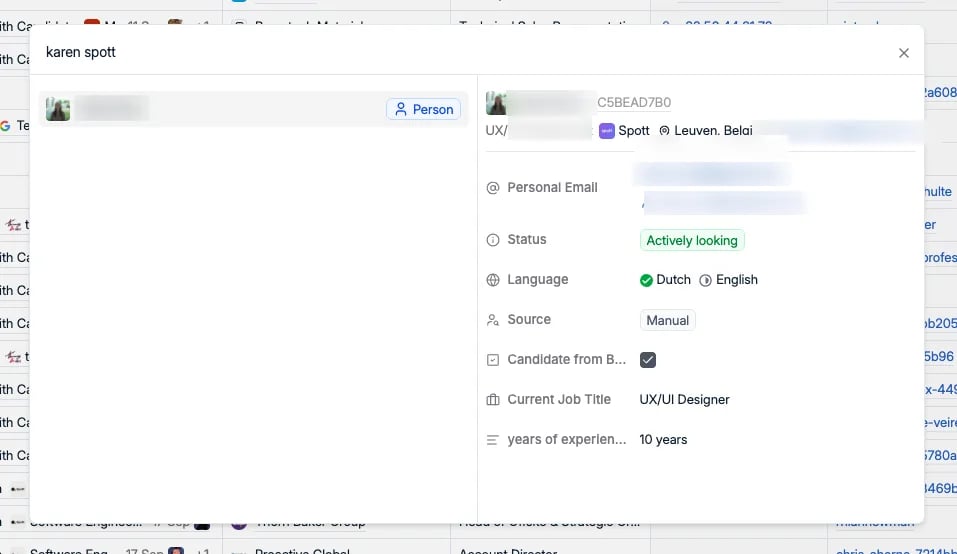
- A first name with a company name, which is usually how you remember someone you met once: the name that stuck and where they work.
Read the record without opening it
Selecting a result fills the panel on the right, and for most lookups that panel is the answer, so you never leave the page you were on:- Job title, company, and location
- Personal email, personal phone, and LinkedIn
- Any custom attributes carried on the record, for example a tech stack
- Main contact, whoever on your team owns the relationship
- Last interaction, how long it has been since anyone spoke to them
Keyboard shortcuts
The
G then letter jumps, the A then letter add menu, and the rest.