

About the integration
Overview
Broadbean is a job distribution platform that allows recruiters to publish job adverts to hundreds of job boards, social media platforms, and aggregators from one place. By connecting Broadbean to Spott, you can distribute jobs directly from your recruitment workflow without switching tools. Spott sends job data to Broadbean using Broadbean AdCourier (ADC), after which Broadbean handles distribution to your configured channels.How it works
Once connected, Spott acts as the source of truth for your job data, while Broadbean manages distribution.The process looks like this:- A workspace admin connects Spott to Broadbean using your organization’s AdCourier credentials.
- Each team member enters their personal ADC username.
- When publishing a job, Broadbean is selected as a distribution channel.
- Broadbean distributes the advert to the configured job boards.
Configure
Make sure Broadbean is enabled at workspace level before entering your personal ADC username.Enable Broadbean for your workspace
Go to Settings > Integrations > Broadbean.- Click Enable.
- Enter your Broadbean AdCourier Client ID and Client Secret.
-
Choose whether you would like to receive inbound applications through
- Broadbean’s Candidate Hub Applications are sent to Broadbean and will be processed by Spott upon receipt from Broadbean, or available through Broadbean’s Candidate Hub.
- Apply Online flow Provide a URL to which candidates will be directed (e.g. Spott or your own website job board).
- Save the configuration.
Boards and adverts are edited in Broadbean, with the Super Admin login. A
per-recruiter Broadbean login cannot change which boards are available or edit an
advert’s configuration, so route those changes through whoever holds the Super Admin
account.
Enter your ADC username
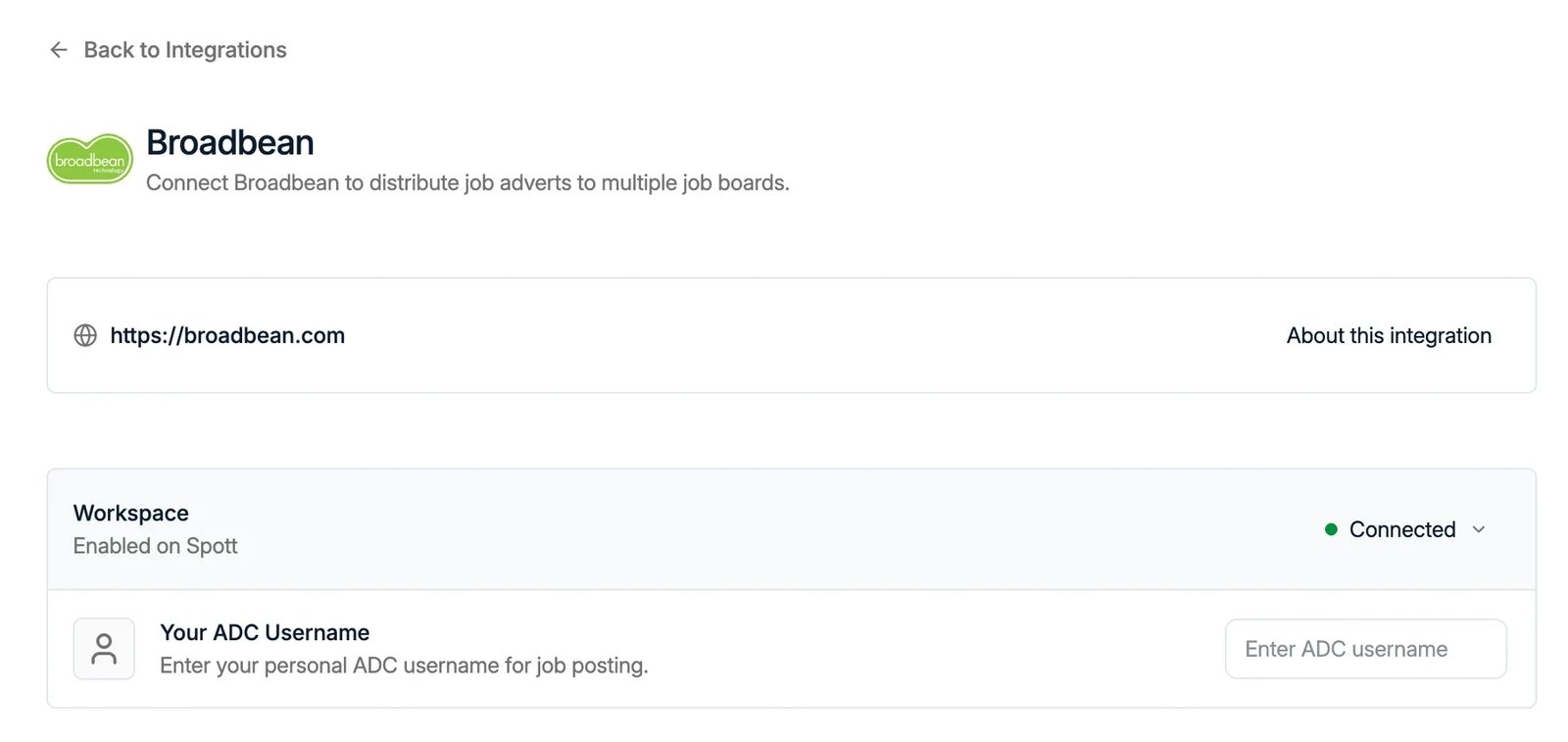
Once Broadbean is enabled for the workspace:- Navigate to Settings > Integrations > Broadbean.
- Enter your personal ADC Username.
Post jobs via Broadbean
When creating or publishing a job in Spott:- Navigate to the Advertising tab on any job
- Select Post Advert with Broadbean as a distribution channel.
- Publish the job through the embedded Broadbean AdCourier window
Colleagues can act on your postings
A posting belongs to the user who made it, but other users in your workspace can act on it by default: repost it, for example, when the original poster is on holiday and the advert is about to expire. Until September 2026 they were blocked from touching a colleague’s postings at all, which left an advert stuck whenever its owner was out.Structured job descriptions post to the matching fields
If your job description is written in structured sections rather than one block of text (see the job portal), Spott maps those sections onto Broadbean’s own sub-fields instead of flattening them into a single description. Several Benelux and DACH job boards expect that split, and get a properly formatted advert as a result. Nothing to switch on: use structured sections on the job and the mapping happens when you post. Examples of Job boards distributed via Broadbean- Indeed
- LinkedIn Jobs
- Glassdoor
- Monster
- Local and niche boards