Overview
VDAB Vacature is the Flemish public employment service’s official job posting API. Connecting it to Spott lets you publish openings directly tovdab.be from your
recruitment workflow.
How it works
Once connected, you publish job postings from Spott straight tovdab.be:
- An admin connects your workspace to VDAB Vacature with your organization’s Supplier ID, username, and password.
- When posting a job, select VDAB Vacature as a distribution channel. Your posting is sent to vdab.be as an HR-XML Position Opening.
Repost a job to refresh it
A posting that has been up for weeks sinks down the vdab.be listings. Repost it and Spott publishes it again under a new VDAB ID, which gives it a new published date and puts it back at the top where jobseekers look first. It is the native way to do what people otherwise do by hand: close the posting and create it again. The new ID is the thing to know about. The old reference stops being the one to search on, so a VDAB reference someone quotes from an older email points at the posting that was replaced.VDAB enforces a 4,000 character limit on job descriptions, and the count includes
the text formatting (HTML), not just the visible text. If you hit the limit with a
shorter description, simplify the formatting (fewer nested lists and styles) or
shorten the text.
Configure
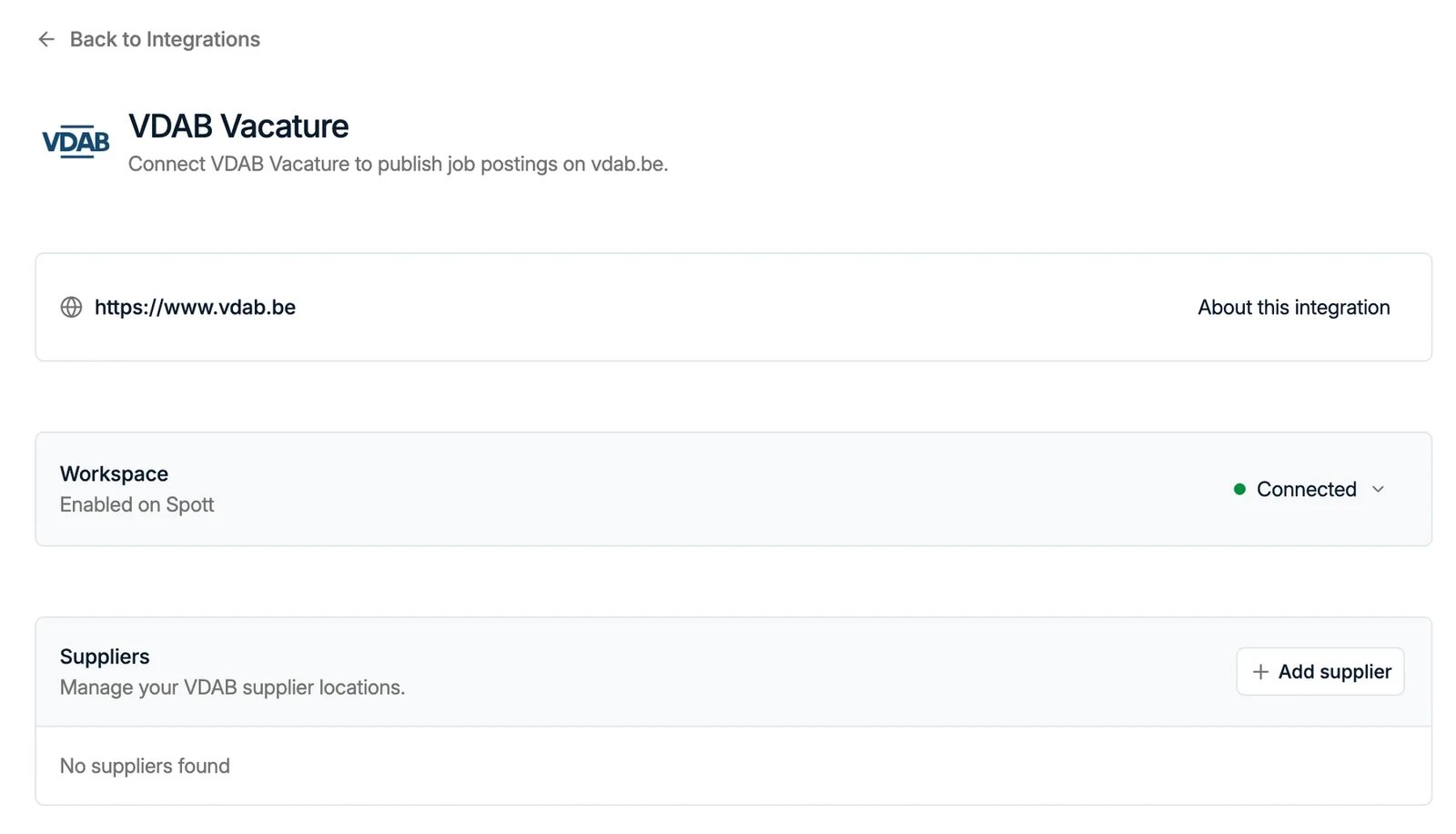
Go to Settings → Integrations → VDAB Vacature, click Enable, and enter your VDAB Supplier ID, username, and password.Only workspace admins can enable this integration. If you don’t see this option,
contact your workspace admin.