

Overview
VoIPPlay is a VoIP provider. Connecting it to Spott automatically captures call recordings and links them to the relevant candidates and contacts. All calls are logged and transcribed for easy reference.How it works
Once VoIPPlay is connected, Spott automatically receives a notification when a call ends. Call recordings are fetched, stored, and transcribed so you can review them directly in Spott. To link calls to the right person, each team member assigns their VoIPPlay extension. VoIPPlay pushes each call to Spott the moment it ends, so a finished call is normally on the record inside a minute. If you hang up and the call is not there yet, give it a moment before assuming something is wrong.Enable VoIPPlay for your workspace
1. Connect your account
Click Enable and enter your VoIPPlay credentials (login and password). Then select the vPBX you want to connect.2. Configure the webhook
Copy the webhook URL shown after connecting and paste it into your VoIPPlay portal under the webhook configuration for hangup events.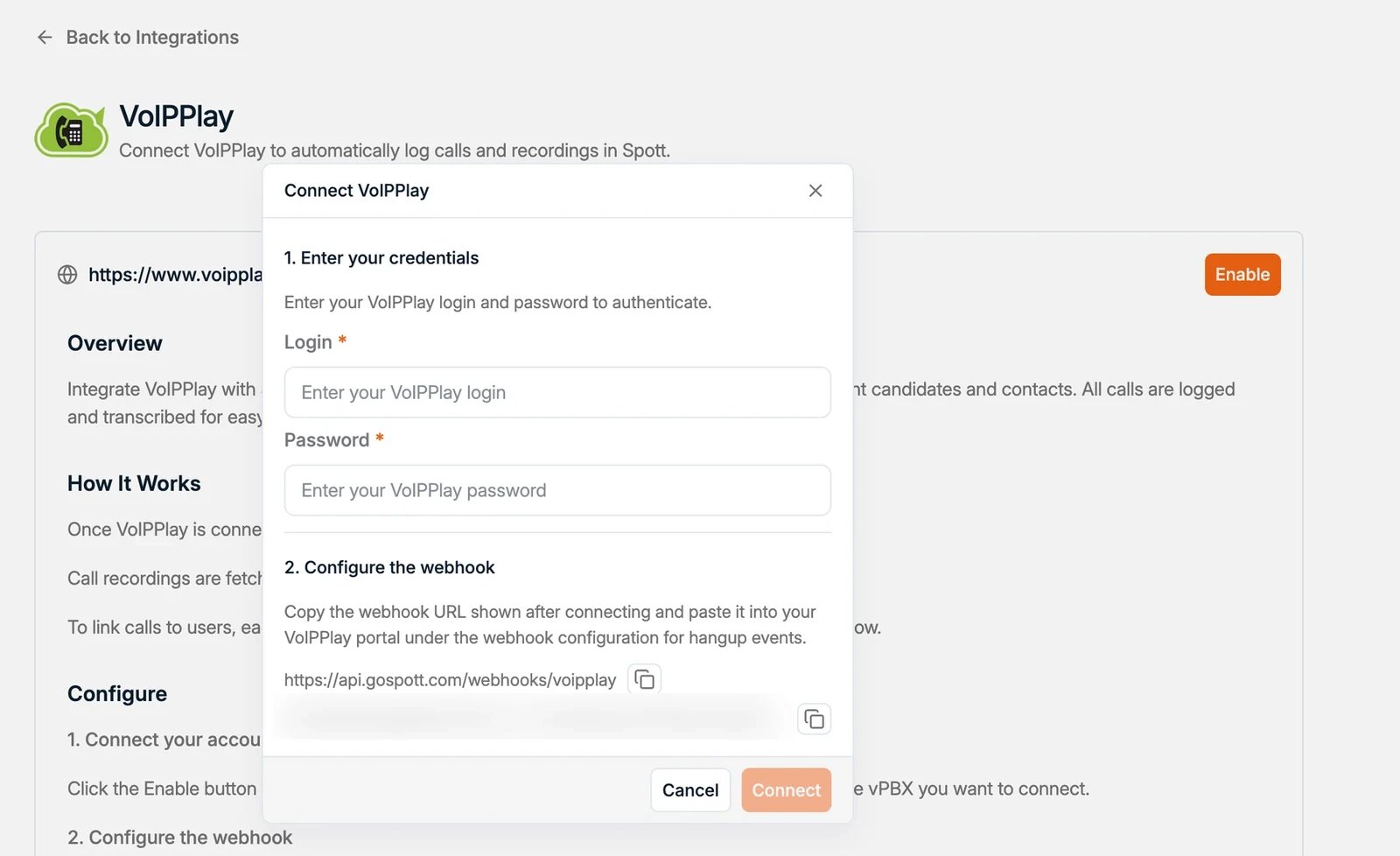
Assign your extension
Each user assigns their VoIPPlay extension in the settings on the integration page, so incoming and outgoing calls are linked to the correct person.Calls are only linked to a user once that user has assigned their VoIPPlay extension.