

Overview
idibu is a job distribution platform that lets you post job adverts to multiple job boards at once. Connecting idibu to Spott enables job posting directly from your recruitment workflow.How it works
Once connected, you can post job adverts from Spott through idibu, which then distributes them to your configured job boards.- An admin connects your workspace to idibu using your organization’s App ID and App Secret.
- When posting a job, select idibu as a distribution channel and your advert is sent to your configured job boards.
Enable idibu for your workspace
Go to Settings → Integrations → idibu.- Click Enable.
- Enter your idibu App ID and App Secret.
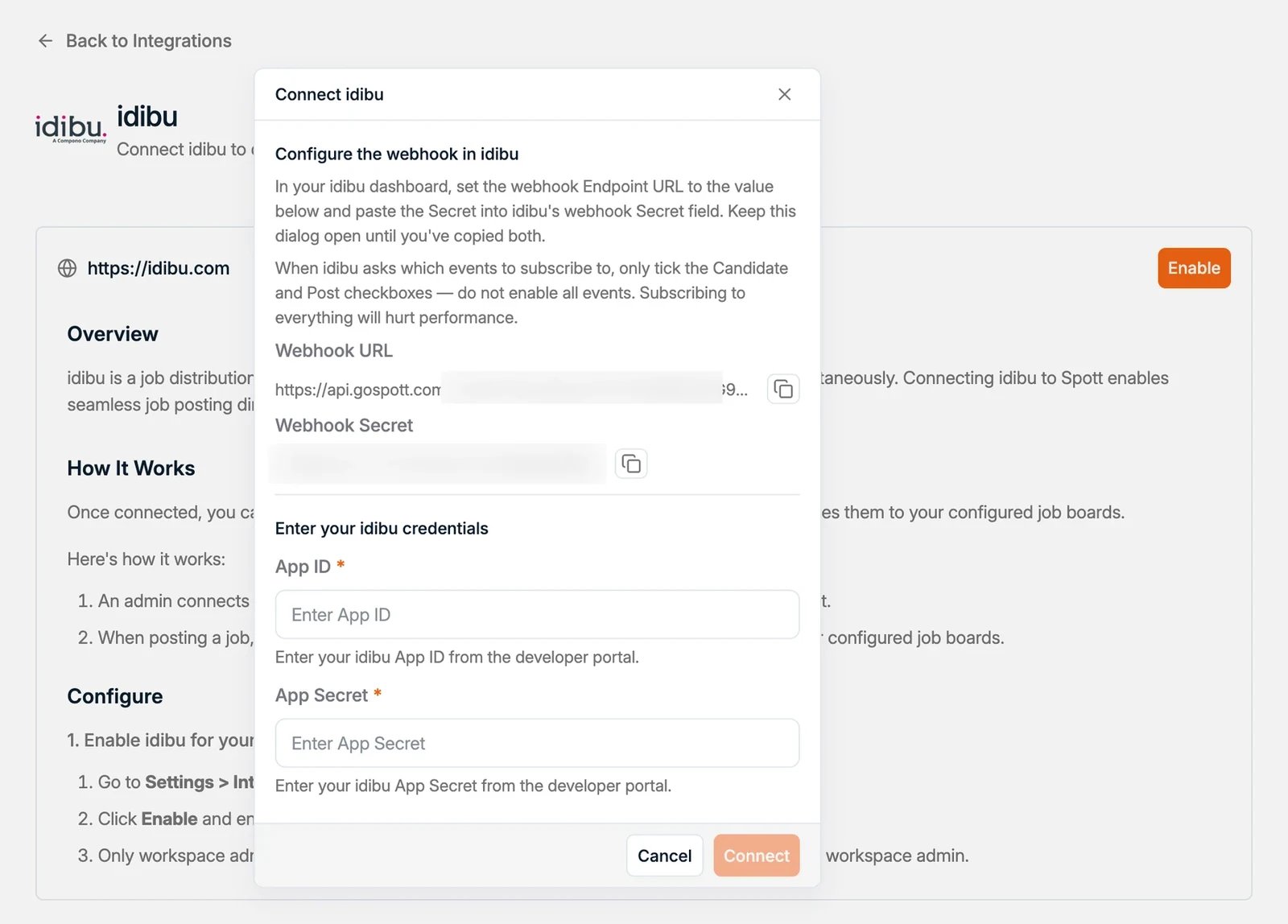
Only workspace admins can enable this integration. If you don’t see this option, contact your workspace admin.