

1. Start with the documentation
To find answers to your questions, this documentation site is a great place to start. Articles are organized per topic, and you will find step-by-step guides on how to perform most actions in Spott.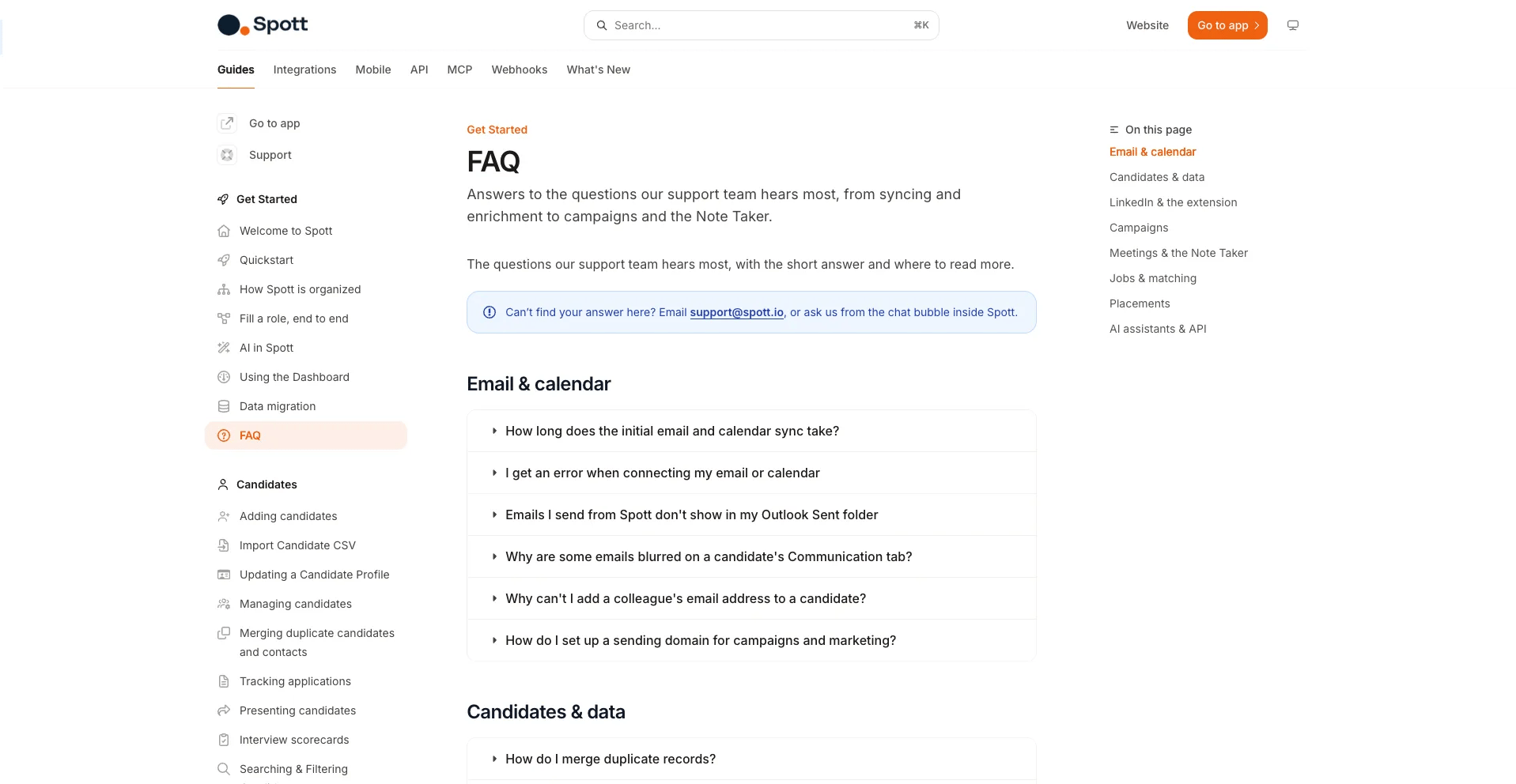
Browse the guides
Candidates, jobs, companies, communication, and settings.
FAQ
The questions we get asked most often.
2. Reach out from inside Spott
If you cannot find what you are looking for, reach out directly in the tool by clicking the bubble icon in the bottom right corner.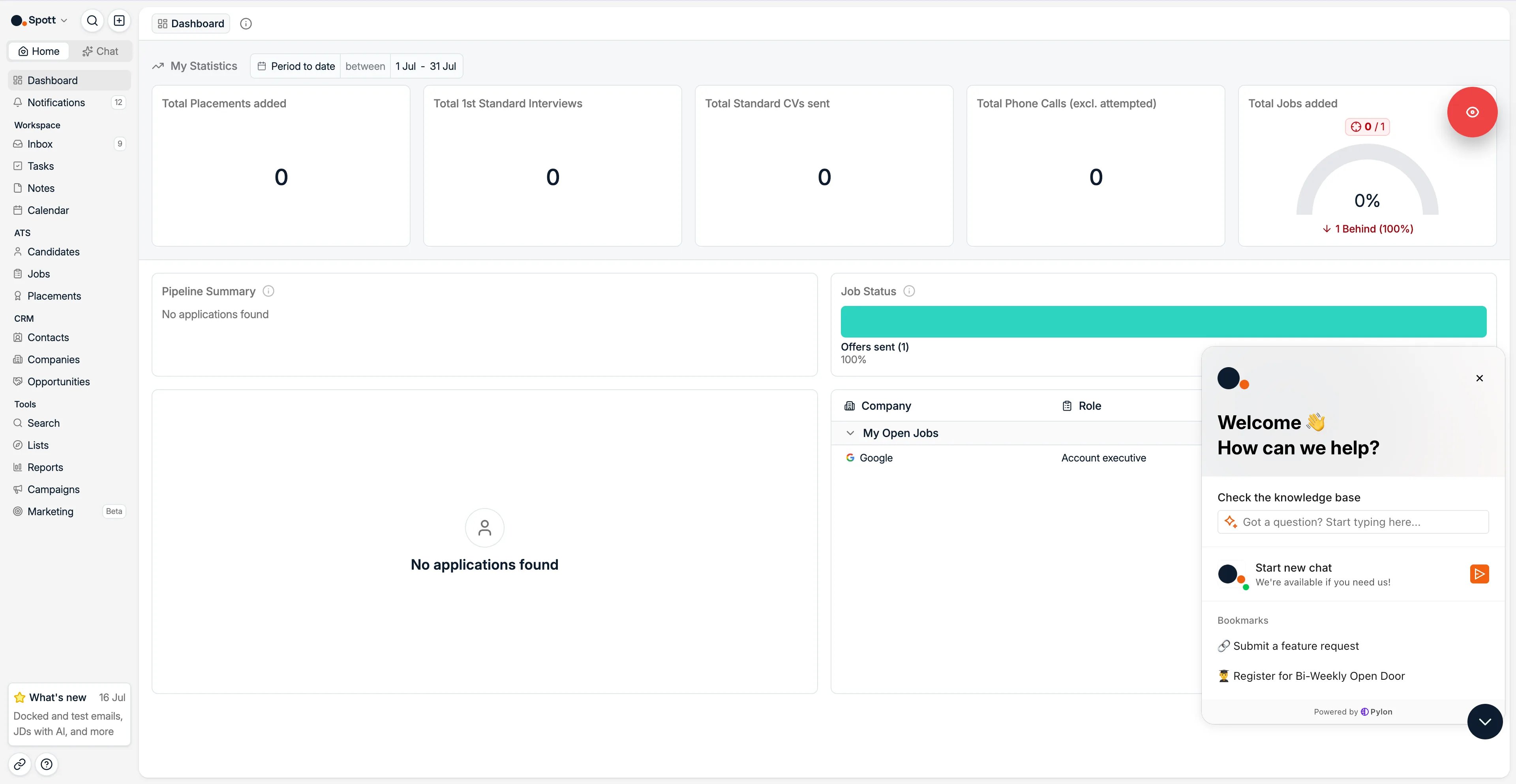
- Type your question in the AI search bar for an immediate answer, or
- Start a new chat with us.
This is not a live chat. Starting a chat creates a ticket in our system, and a member of
the team will be in touch as soon as possible.
3. Ask for a feature
Ideas belong on the roadmap portal at roadmap.spott.io/request, which is also reachable from the support bubble. A request logged there is visible to the product team and to other customers, so it can gather support, which a request buried in a support thread cannot. Raise one when the answer you get is “not possible today”. Support will often log it for you, but posting it yourself means you can describe the use case in your own words, which is what decides how it is prioritized.4. Other ways to reach us
Email support
What's new
New features, shipped every week.