> ## Documentation Index
> Fetch the complete documentation index at: https://docs.spott.io/llms.txt
> Use this file to discover all available pages before exploring further.
# Templates
> Manage the reusable email, note, insight, and job description templates in your workspace.
**Settings → Templates** is where you edit the default templates Spott reuses across
the product, so your team stays consistent.
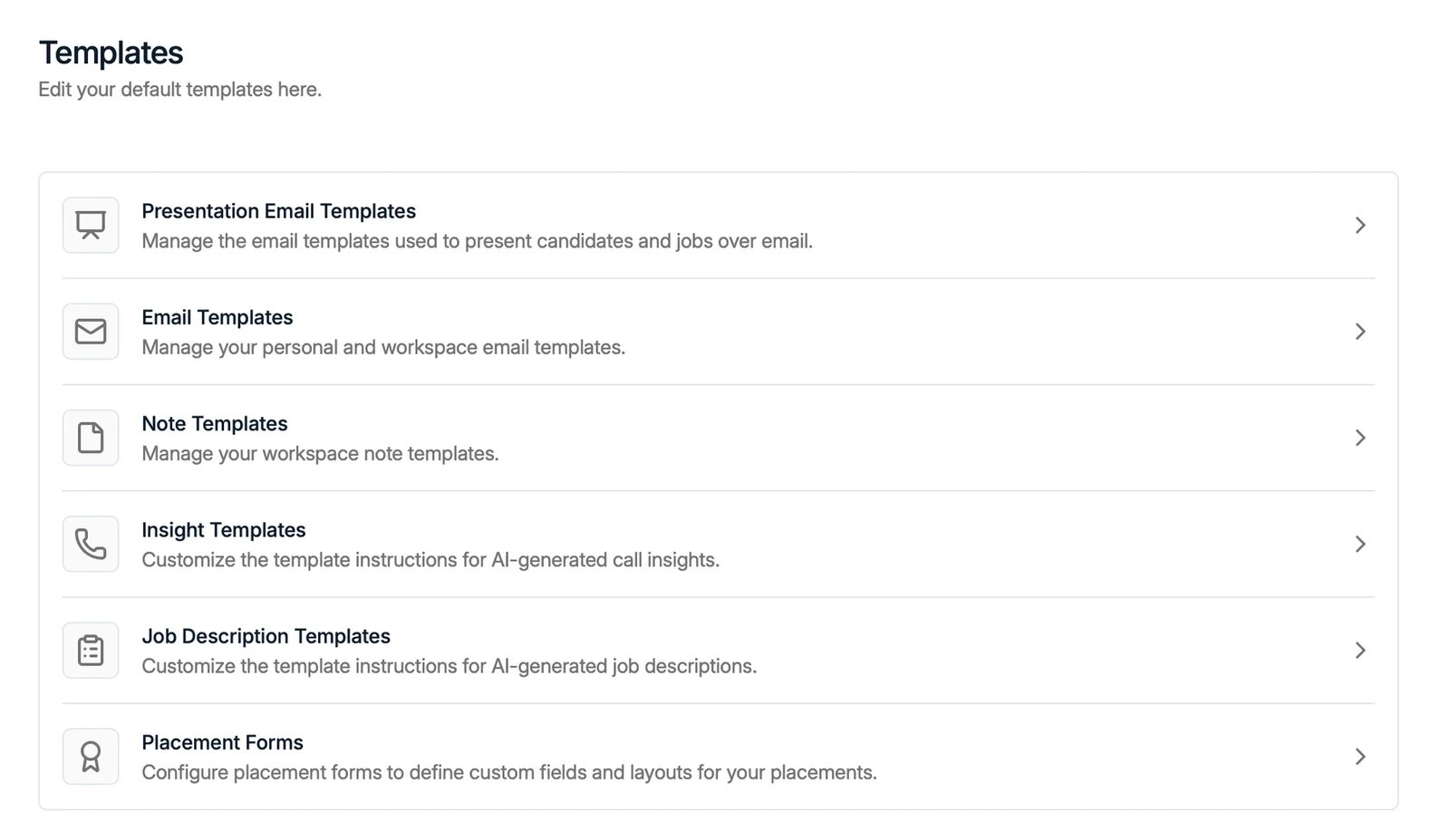 The available template types are:
* **Presentation Email Templates**: the emails used to present candidates and jobs.
* **Email Templates**: your personal and workspace [email templates](/docs/inbox/message-templates).
* **Note Templates**: reusable note structures for your workspace.
* **Insight Templates**: the instructions the AI uses to generate call insights. See
[Spott Note Taker](/docs/notes/note-taker).
* **Job Description Templates**: the instructions the AI uses to generate job
descriptions.
* **Placement Forms**: define the custom fields and layout used when logging a
[placement](/docs/placements/placements).
Open any category to view, edit, or create templates within it.
The available template types are:
* **Presentation Email Templates**: the emails used to present candidates and jobs.
* **Email Templates**: your personal and workspace [email templates](/docs/inbox/message-templates).
* **Note Templates**: reusable note structures for your workspace.
* **Insight Templates**: the instructions the AI uses to generate call insights. See
[Spott Note Taker](/docs/notes/note-taker).
* **Job Description Templates**: the instructions the AI uses to generate job
descriptions.
* **Placement Forms**: define the custom fields and layout used when logging a
[placement](/docs/placements/placements).
Open any category to view, edit, or create templates within it.