> ## Documentation Index
> Fetch the complete documentation index at: https://docs.spott.io/llms.txt
> Use this file to discover all available pages before exploring further.
# Pipeline Stages
> Customize the pipeline stages candidates move through in your jobs and speculative presentations.
**Settings → Stages** defines the pipeline stages your candidates move through. Stages
apply across your workspace, so every job uses the same set.
## Job Stages
The **Job Stages** list is the pipeline candidates follow in a job, for example
Application, Long List, Short List, Outreach, Interview, Presentation, and Offer.
* Drag stages by the handle to reorder them.
* Click **Add Stage** to create a new stage, and use the row menu to rename or recolor
it.
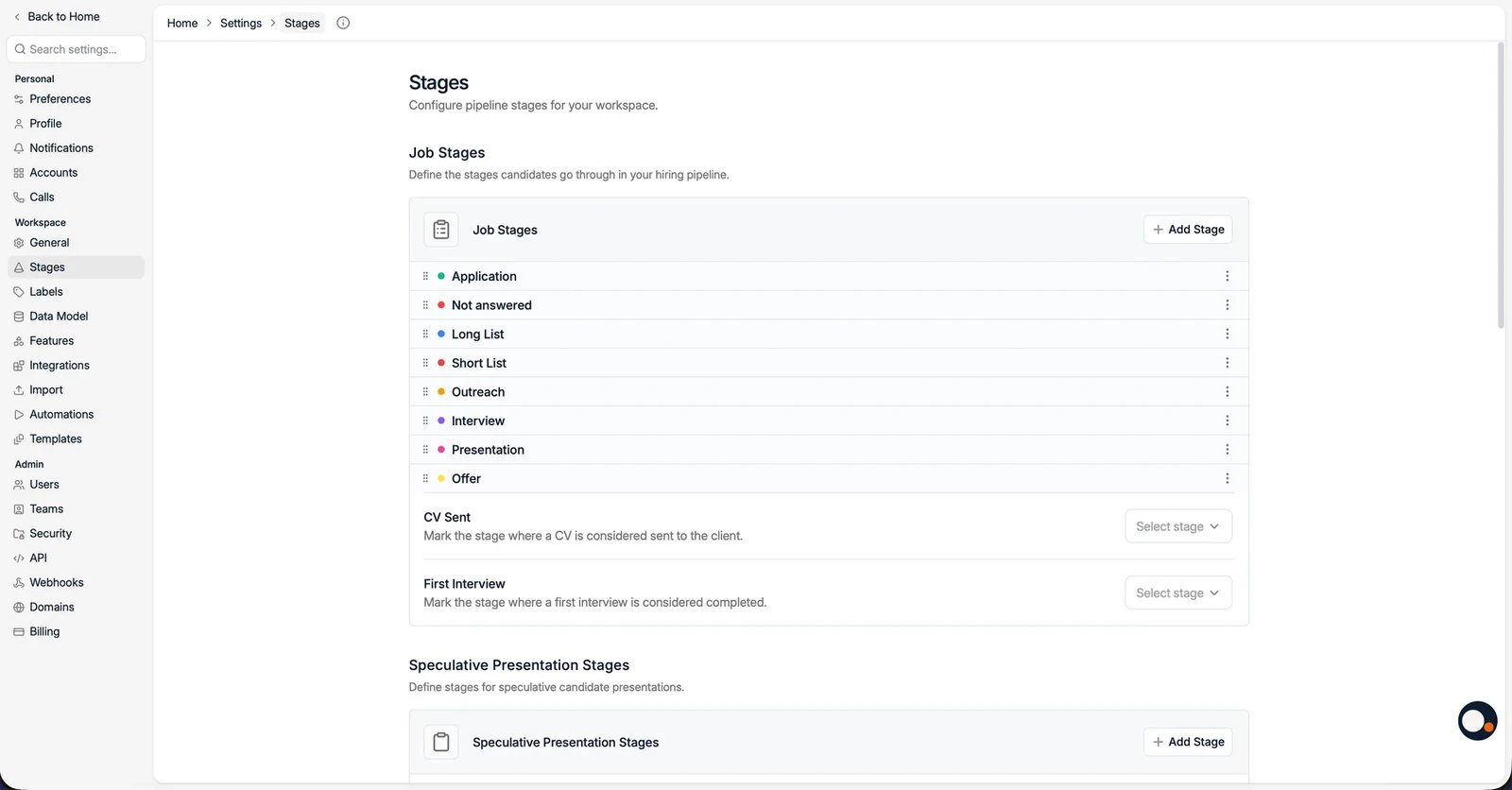 Two markers tell Spott how to measure your pipeline:
* **CV Sent**: the stage at which a CV is considered sent to the client. This drives
the "CV Sent" reporting metric.
* **First Interview**: the stage at which a first interview is considered completed.
## Speculative Presentation Stages
**Speculative Presentation Stages** define a separate pipeline for speculative
candidate presentations, managed the same way as job stages.
Two markers tell Spott how to measure your pipeline:
* **CV Sent**: the stage at which a CV is considered sent to the client. This drives
the "CV Sent" reporting metric.
* **First Interview**: the stage at which a first interview is considered completed.
## Speculative Presentation Stages
**Speculative Presentation Stages** define a separate pipeline for speculative
candidate presentations, managed the same way as job stages.