> ## Documentation Index
> Fetch the complete documentation index at: https://docs.spott.io/llms.txt
> Use this file to discover all available pages before exploring further.
# How to merge Records in Spott
> Merge duplicate people, companies, or jobs to consolidate information into a single record.
When you identify a duplicate, whether it is a person, a company, or a job, you can
merge the records to consolidate all information into a single place.
## Steps to merge records
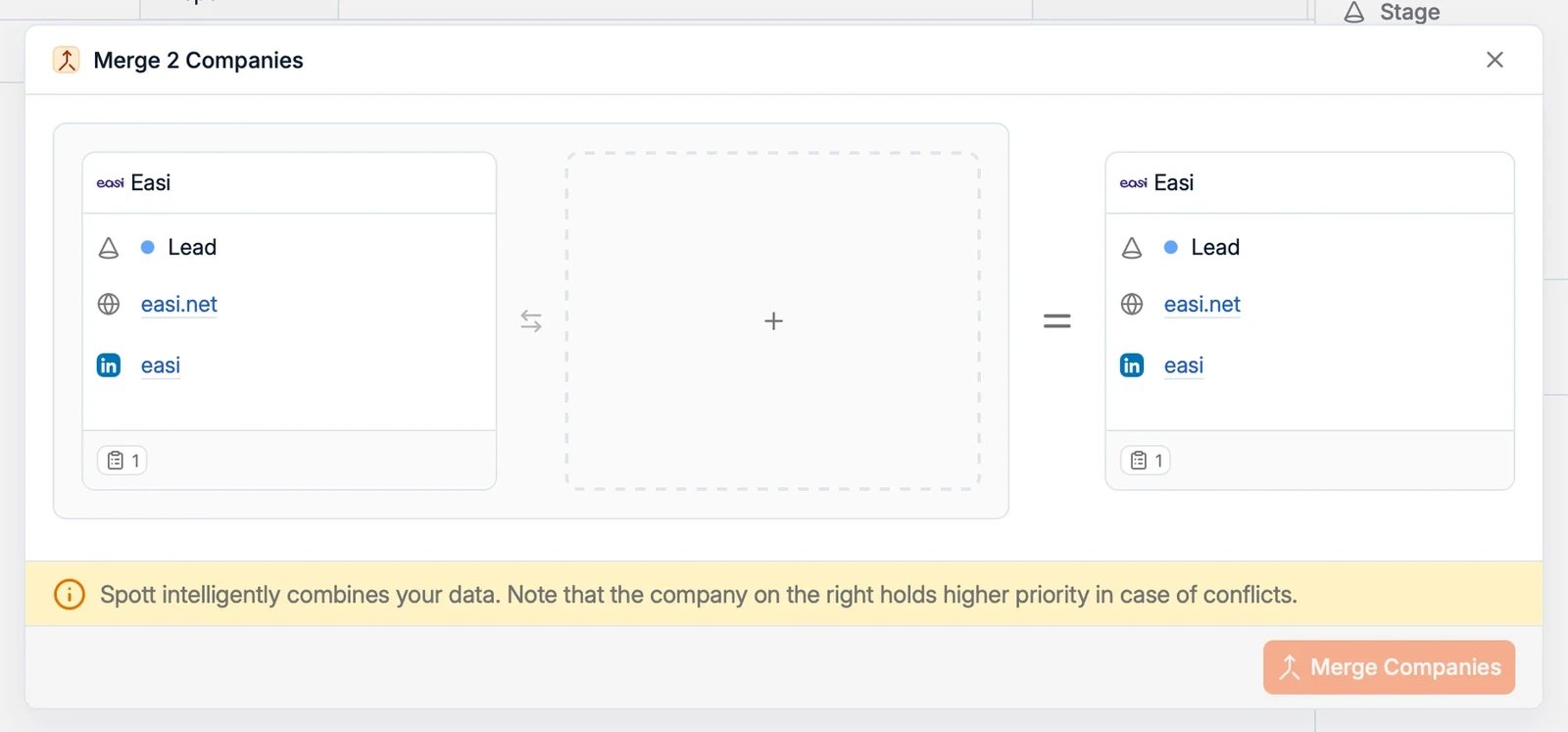 1. Navigate to one of the records you want to merge.
2. Open the **Actions** menu in the top-right corner of the page.
3. Select the merge action:
* **Merge 2 people** on a candidate or contact profile
* **Merge 2 Companies** on a company record
* **Merge 2 Jobs** on a job record
4. Pick the duplicate record and follow the prompts to complete the merge.
Merging requires the matching permission (for example, who can merge candidate or
contact records is controlled by your role).
Because every person exists only once in Spott, merging two people combines their
candidate and contact roles, notes, and history into one record. If one of the two
is a candidate, the merged record stays a candidate.
If nothing appears to happen right after merging, give the system a moment and check
if the merge has completed.
1. Navigate to one of the records you want to merge.
2. Open the **Actions** menu in the top-right corner of the page.
3. Select the merge action:
* **Merge 2 people** on a candidate or contact profile
* **Merge 2 Companies** on a company record
* **Merge 2 Jobs** on a job record
4. Pick the duplicate record and follow the prompts to complete the merge.
Merging requires the matching permission (for example, who can merge candidate or
contact records is controlled by your role).
Because every person exists only once in Spott, merging two people combines their
candidate and contact roles, notes, and history into one record. If one of the two
is a candidate, the merged record stays a candidate.
If nothing appears to happen right after merging, give the system a moment and check
if the merge has completed.