> ## Documentation Index
> Fetch the complete documentation index at: https://docs.spott.io/llms.txt
> Use this file to discover all available pages before exploring further.
# Interview scorecards
> Score a candidate against a job's criteria, manually or with AI, to keep interview feedback structured and comparable.
A **scorecard** rates a candidate against the requirements of the job they applied to.
It gives your team a consistent way to compare candidates and to record structured
interview feedback in one place.
## Add a scorecard
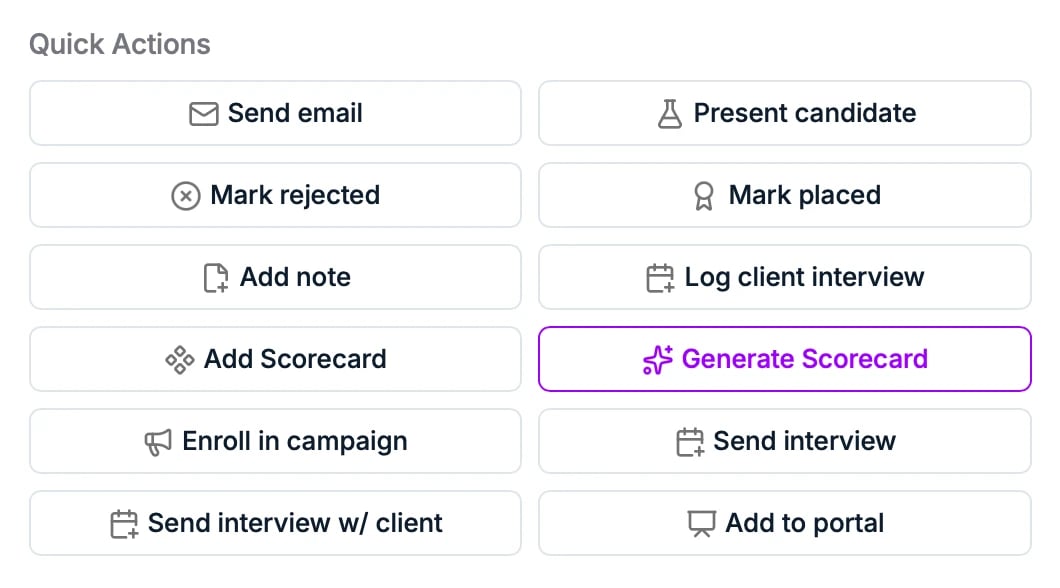
From a candidate's application, open **Quick Actions** and choose:
* **Add Scorecard** to create a scorecard you fill in yourself, or
* **Generate Scorecard** to have AI fill it in first.
 ## Generate a scorecard with AI
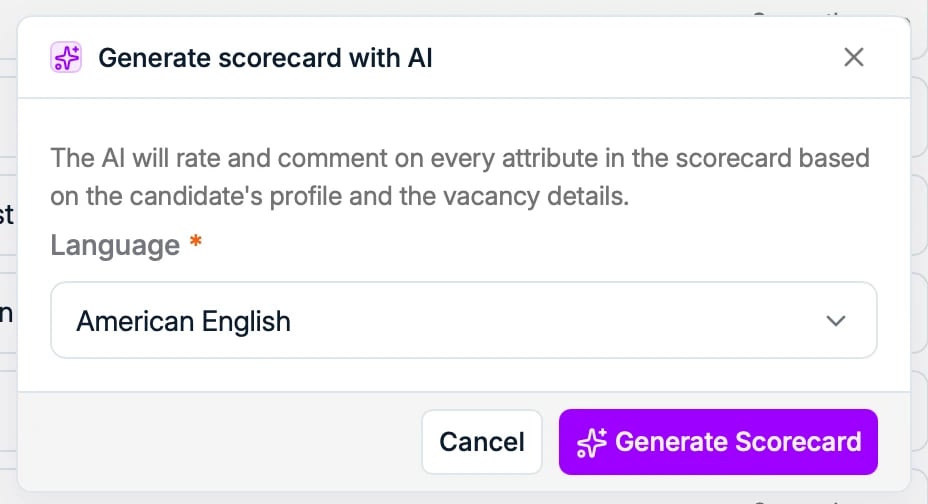
**Generate Scorecard** opens a dialog where you pick a **language**. The AI then rates
and comments on every attribute in the scorecard, based on the candidate's profile and
the vacancy details.
## Generate a scorecard with AI
**Generate Scorecard** opens a dialog where you pick a **language**. The AI then rates
and comments on every attribute in the scorecard, based on the candidate's profile and
the vacancy details.
 ## Read and edit a scorecard
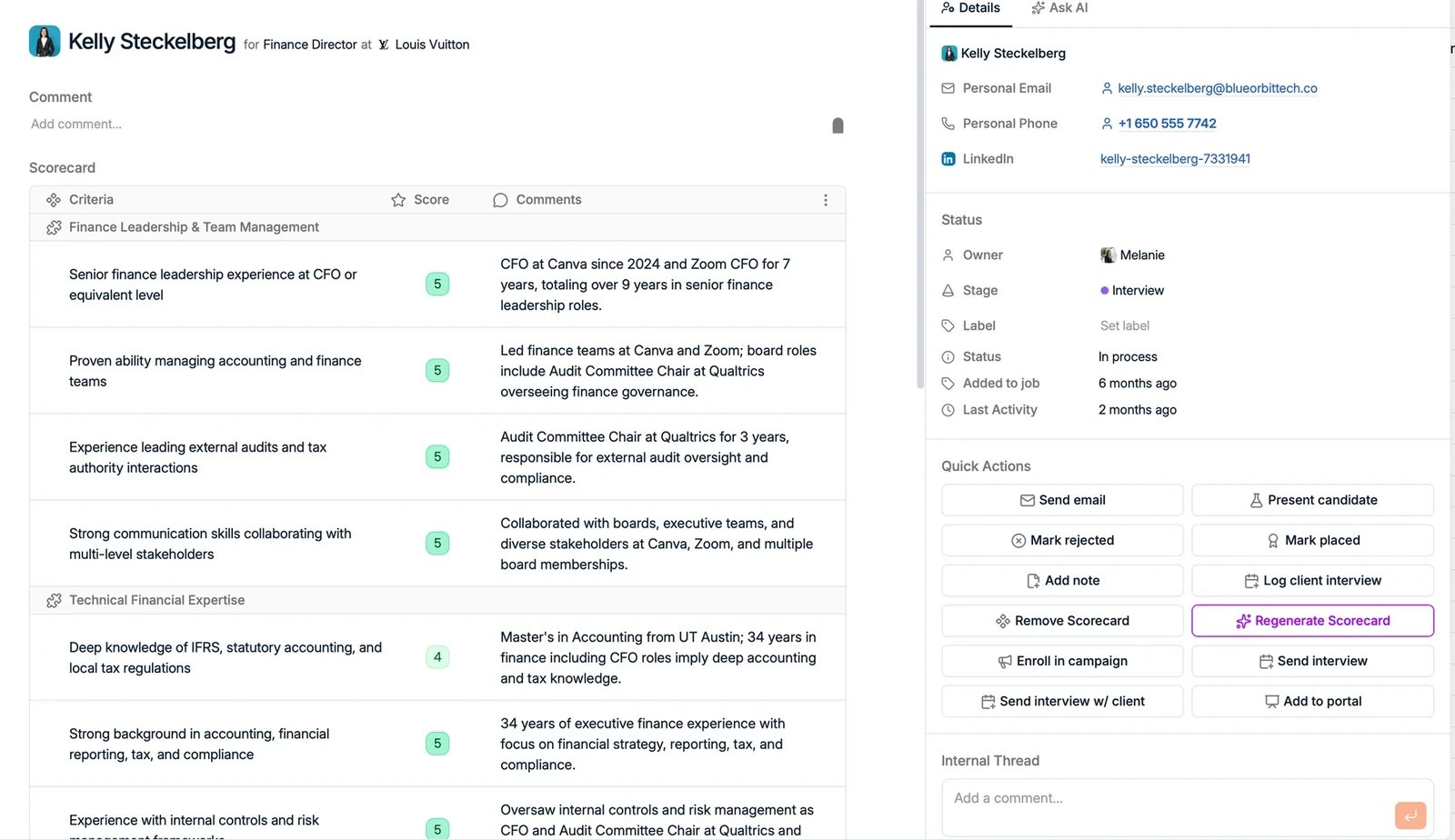
The scorecard is a table with three columns:
* **Criteria**: the requirements pulled from the job, such as "Minimum 5 years B2B
sales experience".
* **Score**: a color-coded rating of how well the candidate meets each criterion.
* **Comments**: the reasoning behind each score.
AI-generated scores and comments are a starting point. You can edit any score or
comment, leave a comment blank, and add an overall **Comment** at the top of the
scorecard from your own interview.
## Read and edit a scorecard
The scorecard is a table with three columns:
* **Criteria**: the requirements pulled from the job, such as "Minimum 5 years B2B
sales experience".
* **Score**: a color-coded rating of how well the candidate meets each criterion.
* **Comments**: the reasoning behind each score.
AI-generated scores and comments are a starting point. You can edit any score or
comment, leave a comment blank, and add an overall **Comment** at the top of the
scorecard from your own interview.